Hey—I’m Andrew North. If you remember BBSes or dial‑up modems, you know how scattered early web tools could be. That same split between visual polish and behind‑the‑scenes plumbing exists today: designers shape what people see, developers build what makes the site work. Below is a pragmatic framework that helps municipal staffers, small‑business owners, and recreation managers decide which specialist to hire—or when you actually need both.
Quick answer: pick by the task, not the title
If your project is mostly visual, content organization, or user experience flows, start with a web designer. If you need custom integrations, forms that create records or invoices, staff portals, or software that replaces other tools, you need a WordPress developer (or a developer working with WordPress plugins and APIs).
Decision matrix: common tasks mapped to designer vs developer
Use this as a quick checklist when scoping a project. Tasks that fall firmly into one column usually don’t need the other role; tasks in the overlap benefit from collaboration.
Web Designer (primary)
- Homepage and page layout, imagery, typography, brand application
- Navigation design and content IA (menus, page hierarchy)
- Accessibility-conscious visual design and templates
- Wireframes and high-fidelity page mockups
- Content strategy for the homepage, service pages, blog structure
WordPress Developer (primary)
- Custom plugins or modules (CRM connectors, staff portals, field tickets)
- Form-to-database workflows, automation, and integrations with external systems
- Performance tuning, hosting configuration, and security hardening
- Complex user roles, permissions, and dashboard interfaces for staff
- Data migrations, backups, and scalable hosting setups
Overlap (hire both or one with both skills)
- Redesigns that change content structure plus require custom templates
- Interactive maps, event calendars, and registration flows
- Projects needing both polished UX and reliable backend workflows (e.g., citizen service portals)
Recommended collaboration patterns
When both roles are needed, a common, effective pattern is:
- Designer produces wireframes and a component library (buttons, forms, cards).
- Developer builds a theme or component-based templates that implement those designs in WordPress, including accessibility and responsiveness.
- Both run a short acceptance cycle: designer reviews visuals in the real site; developer fixes spacing, structure, or CMS usability issues.
This keeps design intent intact while ensuring functionality is robust. In municipal projects I’ve worked on, keeping the CMS workflows simple for nontechnical staff is usually the highest priority—so the collaboration focuses on administrative usability as much as public pages.
Three reusable job briefs you can copy and adapt
Below are short, practical briefs you can paste into an RFP or email to a candidate. Each brief includes the desired outcome, clear deliverables, and who should lead.
1) Homepage redesign (visual + content focus)
Outcome: Modernize the homepage and main service pages to improve findability, highlight priority services, and reduce support calls.
Deliverables:
- One set of mobile and desktop wireframes for homepage + one service page
- High-fidelity mockups using our brand colors and approved imagery
- Updated content outline and metadata suggestions for SEO
- Front-end implementation in the current WordPress theme (or a child theme)
- QA checklist and CMS editing notes so staff can update content easily
Lead: Web designer; developer support if template changes are needed.
2) Customer portal / staff dashboard (developer-heavy)
Outcome: A logged‑in portal where residents or customers can view requests, upload documents, and staff can assign tasks.
Deliverables:
- Requirements: roles, permissions, data fields, and notification rules
- Custom WordPress plugin or module that stores requests, assignments, and notes
- Front-end UI for logged‑in users and a staff dashboard inside WordPress admin
- Integration with notification channels (email/SMS) and form provider if required
- Documentation for staff workflows and a 60-day support window
Lead: WordPress developer; involve a designer for the portal UI and usability testing.
3) CRM integration and automated workflows (developer-led)
Outcome: Form submissions create or update CRM records, then trigger follow-up tasks and invoicing where applicable.
Deliverables:
- Mapping of form fields to CRM entities and rules for deduplication
- Connector that securely pushes data to the CRM API (or pulls CRM data into WordPress)
- Automation rules inside WordPress: create job tickets, assign staff, send emails
- Failure handling and logging, plus instructions for staff to retry failed syncs
Lead: WordPress developer with experience in API integrations. Designer optional for front-end form UX.
How to evaluate candidates quickly
Ask for:
- Examples of similar work (not fabricated)—links to live sites or GitHub where possible
- Clear explanation of how they handle CMS usability and staff training
- An estimated timeline with milestones and a test/acceptance phase
Red flags: vague timelines, refusing to discuss CMS editing workflows, or promising functionality without explaining hosting and maintenance needs.
When a single contractor can cover both roles
Some freelancers or small agencies offer both design and development. That can work well for smaller projects where design and implementation are tightly coupled. For larger systems—staff portals, CRM integrations, or custom plugins—it’s safer to hire a developer who can build and maintain the backend, plus a designer who focuses on user experience and accessibility.
Practical considerations and cost signals
Design work is usually quoted by deliverable (mockups, templates), while development is often estimated by scope and complexity (integration points, custom database tables, API work). If your needs include replacing multiple SaaS subscriptions with connected workflows inside WordPress, plan for developer time to design safe, maintainable integrations.
One last practical tip
Start with the problem, not the job title. Saying “we need a beautiful homepage” points at a designer. Saying “we need form submissions to create staff tickets and send reminders” points at a developer. If you can, draft a short one‑page problem statement and share it with candidates—your conversation will be much more productive.
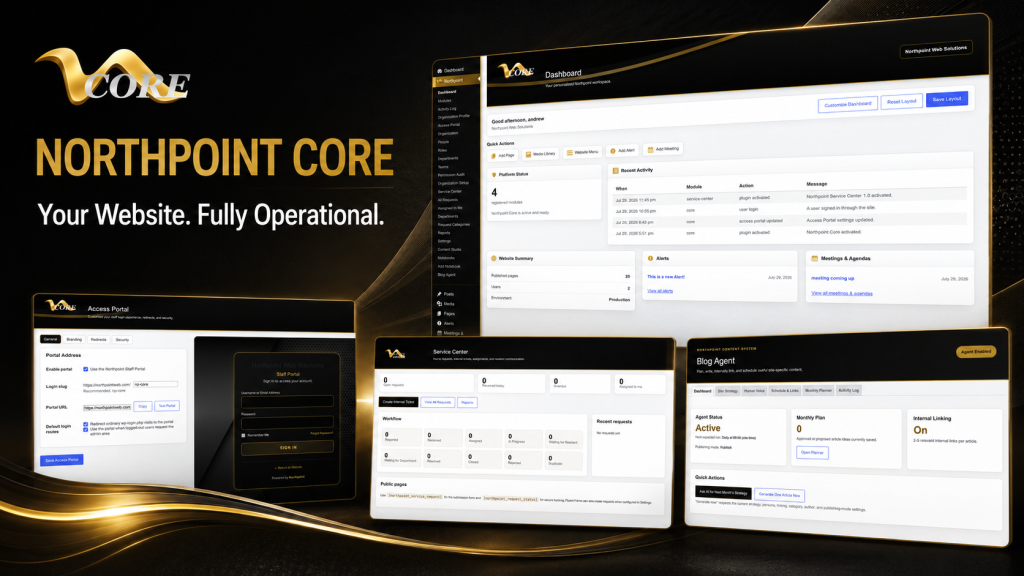
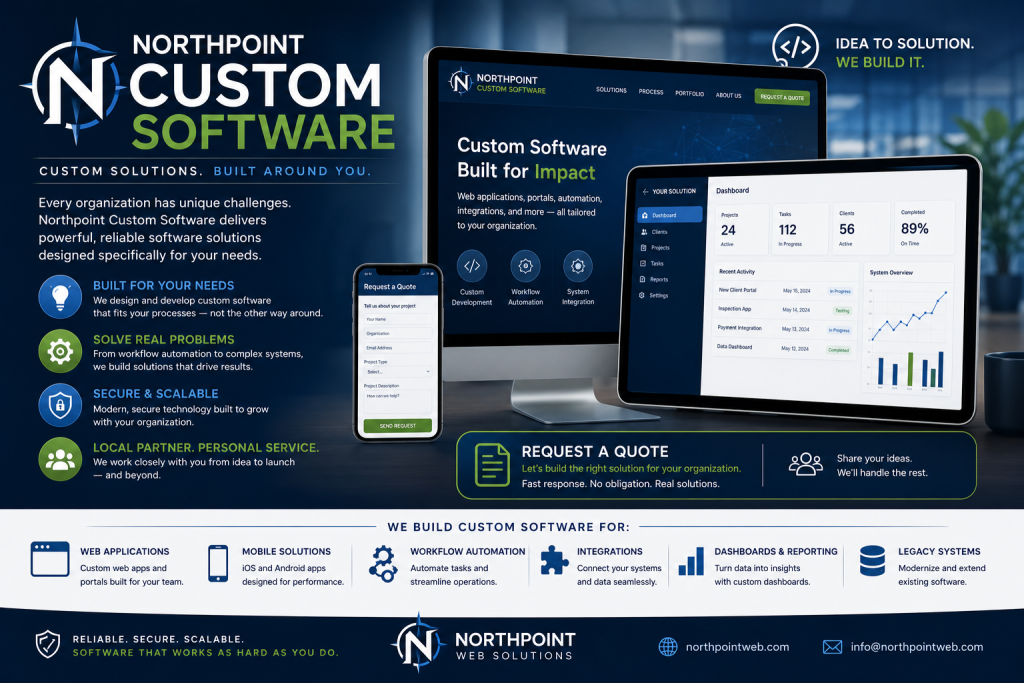
Want help deciding? Talk with Northpoint Web Solutions about your website, software, or workflow problem. We can show whether an existing Northpoint product, a custom WordPress plugin, or a combined design + development engagement is the best fit.
Historical note: I learned a lot about making limited tools do more back when dial‑up and early content managers forced careful design of workflows—those lessons still guide how I plan websites that actually work for an organization 24/7.