Hey—Andrew North here. If you’re reading this from Duchesne, I know you care less about buzzwords and more about getting work done: a site that takes requests, a form that actually routes to the right staff, or a simple CRM so your team stops chasing emails. I grew up fiddling with BBSes and early web hosting; that hands-on curiosity is how I approach projects today: practical, iterative, and anchored to real workflows.
What this article answers
If you need a WordPress developer in Duchesne, Utah, this page explains exactly what Northpoint Web Solutions can do for municipal offices, recreation departments, local businesses, and service districts. Read on for a clear list of services, concrete local use cases, and an honest explanation of how we run meetings, handle remote work, and phase projects so you get value quickly.
Core services available to Duchesne-area organizations
- Custom WordPress website design and development — professional, accessible public sites that reflect your brand and are built around the tasks your visitors actually need to accomplish.
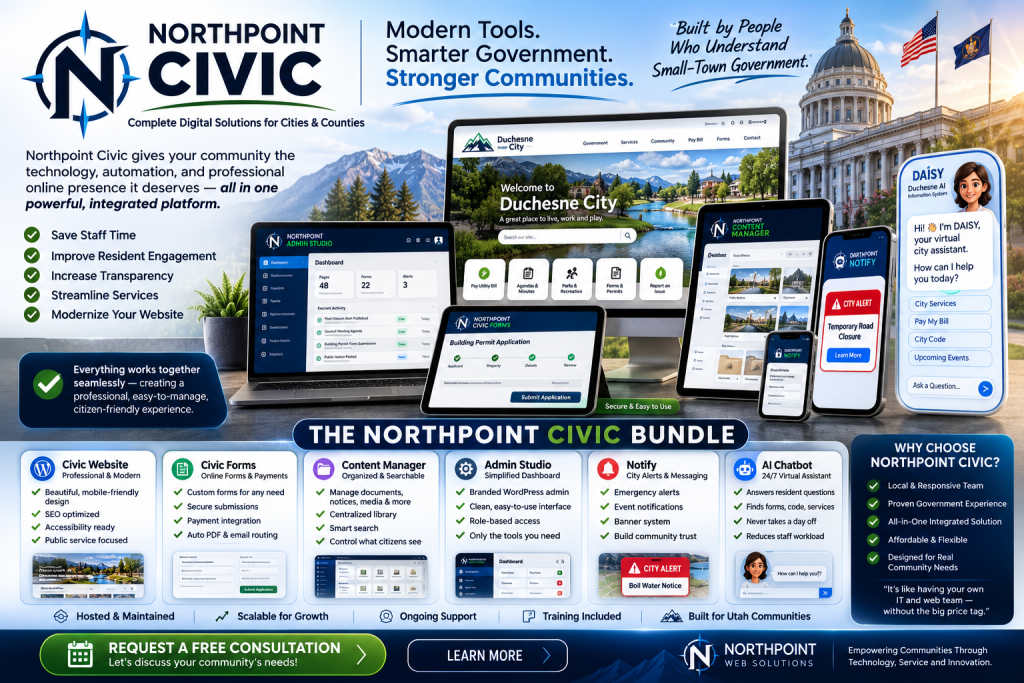
- Municipal and civic website systems — public notices, meeting agendas, ordinances, and service request tools tailored for city or district workflows.
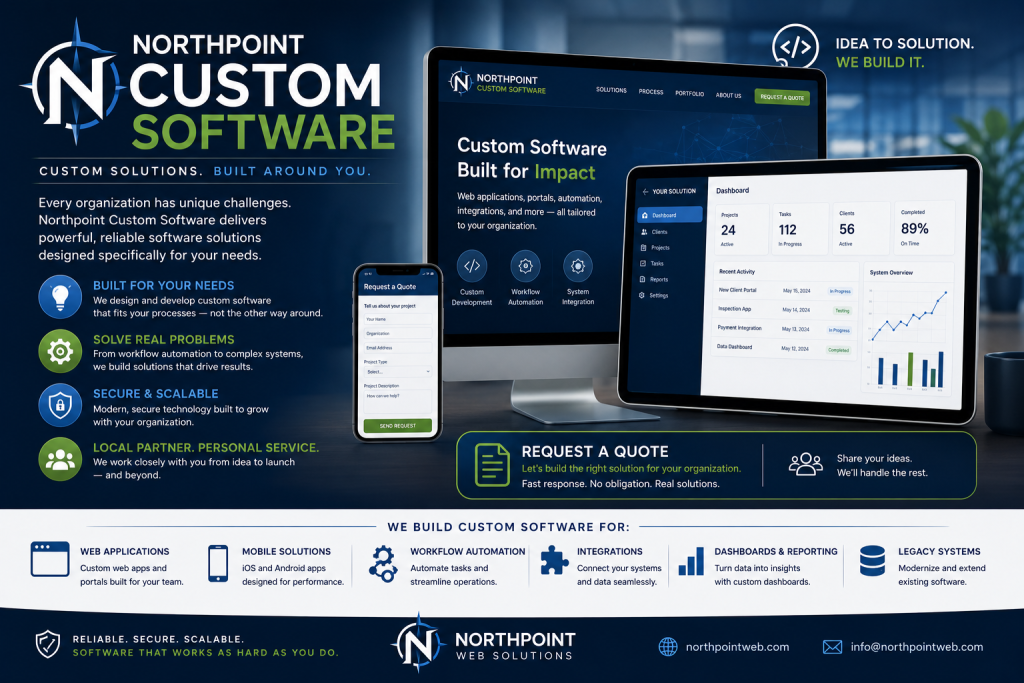
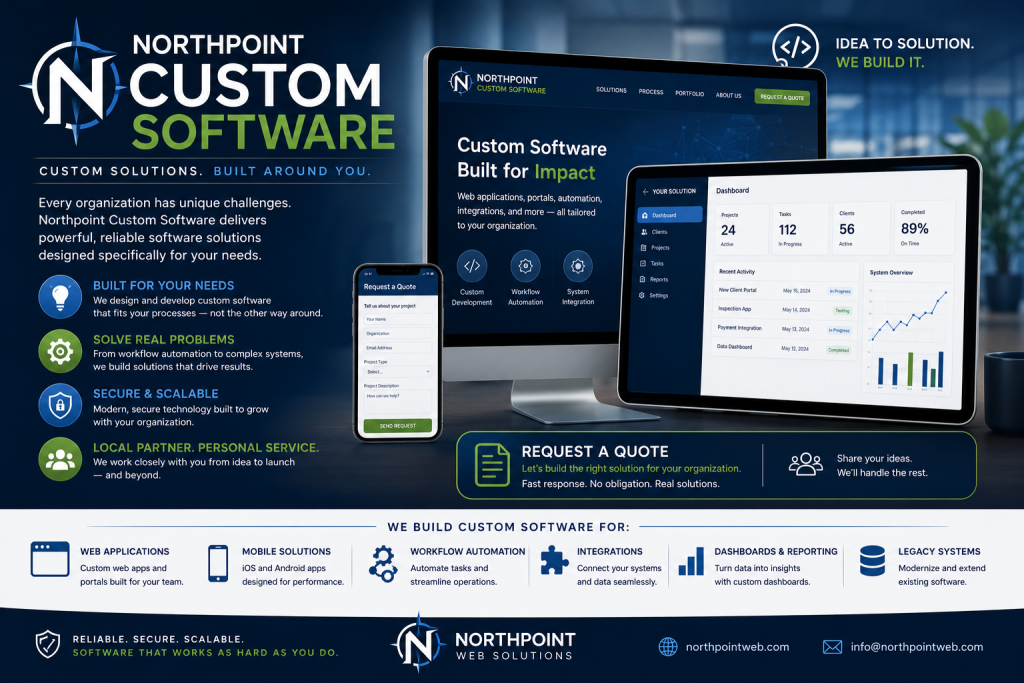
- Custom WordPress plugins and business software — when off-the-shelf plugins don’t match your process, we build focused tools that live inside WordPress and speak to your other systems.
- Managed WordPress hosting and maintenance — updates, backups, security, and fast hosting so your site is dependable for staff and residents.
- Forms, automation, and staff portals — online permits, recreation registration, field tickets, internal dashboards, and automated routing that reduce manual work.
- Local SEO, content strategy, and training — not just a site launch: ongoing content help and staff training so your team can publish and respond without bottlenecks.
Practical Duchesne-area use cases
Here are realistic examples of how those services are used by local clients. These aren’t case studies with invented results—they’re common, practical requirements we design for.
Municipal service requests
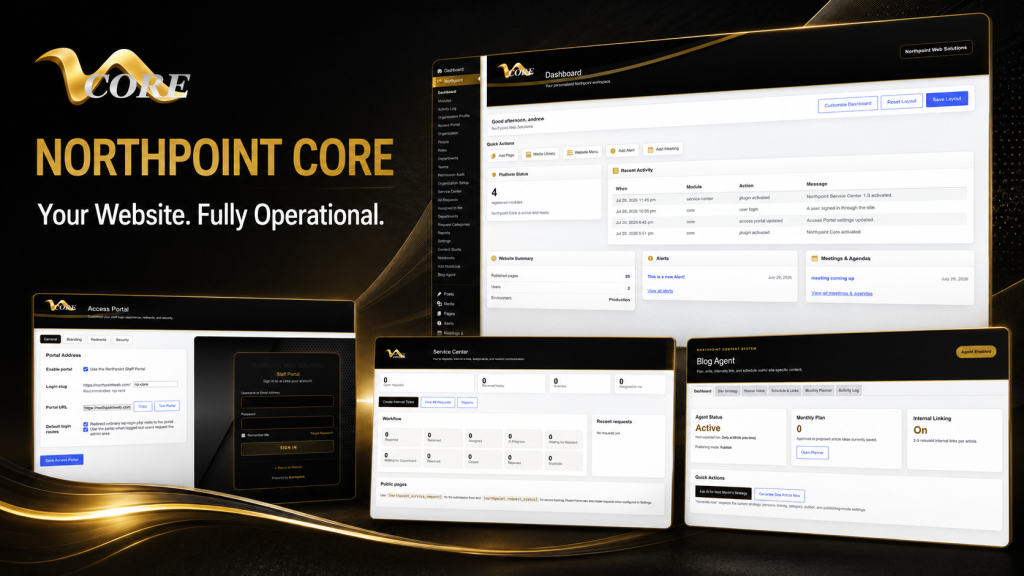
A city requests system where residents submit street, water, or park issues with photos, automatic assignment to departments, status updates, and reporting for council meetings. Northpoint Service Center is designed to support public submission, internal assignment, requester communication, and reporting without replacing an existing website.
Recreation and event registration
Recreation directors need rostering, waitlists, payment integration, and reporting for programs and tournaments. We build registration workflows that sync to staff dashboards, reduce no-shows, and simplify refunds or roster changes.
Field operations and oilfield tickets
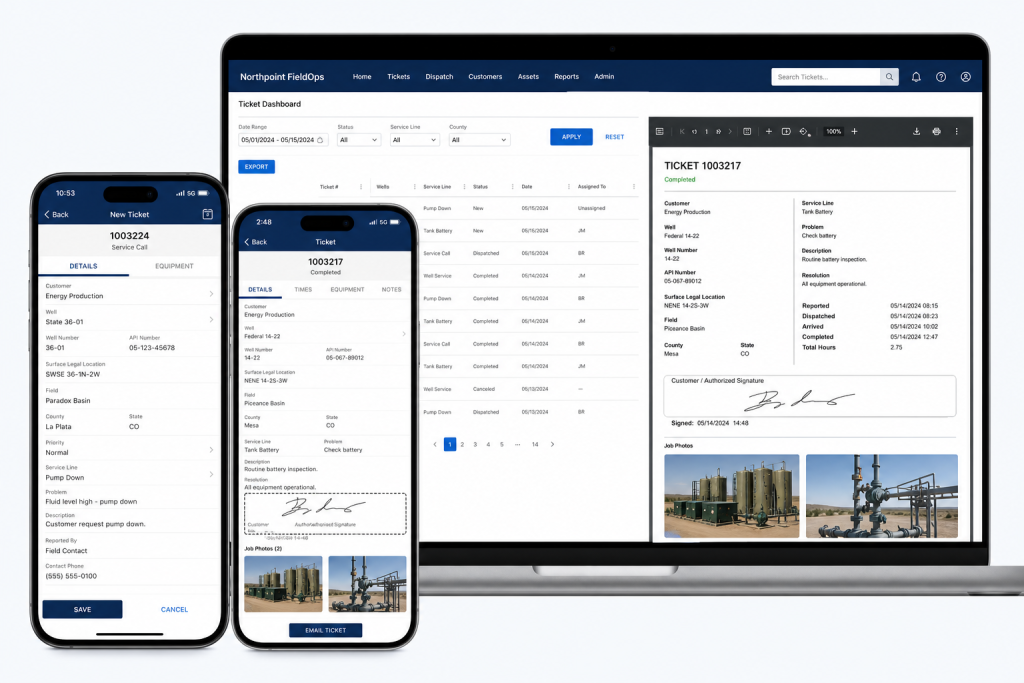
For organizations that work in the field, a lightweight ticketing and timesheet system helps track jobs, employees, and equipment. Where appropriate, Northpoint FieldOps can provide structured field tickets and integration points so office staff can invoice without buried spreadsheets.
Small business website plus local search
Local contractors, professional services, and retailers often need a clean website plus the basics of local SEO and citation cleanup so customers in the Uinta Basin can find them. We combine focused pages, service descriptions, and a straightforward content plan.
How Northpoint handles meetings, remote work, and local visits
We keep things practical. For Duchesne-area projects you can expect a mix of remote work and scheduled on-site visits when helpful.
- Discovery meeting: We start with a focused discovery session (phone, video, or in person) to document goals, constraints, and must-have workflows. I’ll often sketch an admin dashboard or form flow during this call so everyone understands what we’ll build.
- Remote work and demos: Most development happens remotely. We share staged sites and regular demos so your team can test features early—no surprises at launch.
- Scheduled site visits: When a hands-on session makes sense—staff training, public demonstrations, or stakeholder workshops—we schedule a visit to Duchesne or a nearby office. Visits are planned for maximum efficiency and clear outcomes.
Phased projects: reduce risk, get value sooner
Large projects are best delivered in phases. Here’s a typical three-phase approach we use to reduce risk and deliver value quickly:
- Phase 1 — Stabilize and prioritize: Fix critical issues, secure hosting, and implement a simple public-facing update or form that immediately improves workflows.
- Phase 2 — Build core features: Add staff portals, automated routing, or a content studio so your team can manage pages and requests without developer help.
- Phase 3 — Integrate and expand: Connect to accounting, phone systems, or specialized modules (recreation manager, field tickets, or notification tools) and refine reporting or dashboards.
Decision framework: custom plugin vs. off-the-shelf SaaS
When to choose custom WordPress software: if your process is closely tied to your website, you want data to live inside WordPress, or you need reduced licensing complexity across multiple departments. When to consider SaaS: if you need a turnkey, widely supported product with feature parity and you don’t require deep WordPress integration.
We can help you evaluate both options using a simple checklist: required features, data ownership, staff training effort, ongoing costs, and integration needs. If a custom plugin is the right fit, we can build it so it integrates with tools you already use.
Why work with Northpoint for Duchesne projects?
One practical reason we designed Northpoint Core and the related modules is to give organizations a centralized administrative dashboard that works the way their staff do—without forcing every office into the same configuration. We emphasize clear interfaces, step-by-step deployments, and software that complements existing WordPress sites.
A small historical note: I first learned to test code on dial-up BBSes and early cPanel hosts. That background taught me to build for reliability and simplicity—less flash, more function. A website should work for your organization 24 hours a day, not just sit there waiting for someone to update it.
Next steps for Duchesne organizations
If you’re ready to discuss a project, start with a short discovery call. We’ll outline a pragmatic scope, recommend either an existing Northpoint product or a targeted custom plugin, and propose a phased plan with clear milestones.
Talk with Northpoint Web Solutions about your website, software or workflow problem. We can help determine whether an existing Northpoint product, a custom WordPress plugin, or a custom software solution is the best fit.
Helpful links:
- website management — managed WordPress hosting and ongoing support plans.
- custom WordPress software — when workflows require a tailored plugin or application.
- Northpoint FieldOps — field-ticketing and operations tools for field teams.
- Northpoint Core — centralized administrative dashboard and module framework.
- Northpoint Web Solutions — company overview, services, and contact.