Hi — I’m Andrew North. If you’ve ever hired someone who promised a custom WordPress solution and returned a site that ‘‘looks nice’’ but can’t do the workflows you need, you’re not alone. I started building online systems back in the BBS and early web era, and one persistent problem remains: many people who call themselves WordPress developers only know themes and page builders, not how to build real business software.
What buyers usually mean by “good WordPress developer”
When operations managers or small-city IT staff ask for a good WordPress developer, they usually want someone who can:
- Build features that solve real workflows (forms that become tickets, staff dashboards, role-based content)
- Integrate WordPress with other tools (CRMs, invoicing, SMS/email notifications)
- Write maintainable code, or recommend modular software that fits the organization
- Provide reliable hosting, maintenance, and security practices
Why so many hires fail: common failure modes
Here are the patterns we see repeatedly when a project goes wrong:
- Theme installers, not developers. Someone who’s excellent at making a site ‘‘look’’ right with a theme or page builder may not understand data models, user permissions, or long-term maintenance.
- Over-reliance on plugin stacking. Plugins solve many problems, but stacking incompatible plugins or using plugins as hacky workarounds leads to brittle systems and upgrade pain.
- No separation between content and application logic. Sites that store operational data inside posts or page-builder widgets make workflows fragile and reporting impossible.
- Poor scope and change management. Developers who don’t define requirements or a phased plan often deliver something that looks done but lacks essential functionality.
- Hidden technical debt. Quick fixes and direct theme edits produce immediate results but make future changes risky and expensive.
Red flags to spot before you hire
Use this quick checklist when reviewing proposals, portfolios, or initial conversations.
- Portfolio shows only brochure sites. If every example is an informational site made with a page builder and no administrative interfaces, that’s a warning sign.
- Vague answers about data storage. Ask where form submissions will be stored and how staff will access them. If the answer is “in the admin” without detail, dig deeper.
- Refuses to separate design and functionality. Good teams will explain what’s theme/front-end and what’s plugin/backend behavior.
- No mention of backups, staging, or upgrade paths. These are basics for business-critical sites and custom plugins.
- Promises unrealistic timelines without a phased plan. Complex workflows need discovery and iterative delivery.
- Cannot explain third-party integration approach. If you need CRM, payment, or SMS integration, ask for a clear technical plan and fallback options.
A short interview checklist: questions to ask developers
These questions reveal practical capability in a brief call or meeting.
- Can you show me an example where you built a custom plugin or a site that included staff dashboards and role-based access? Ask for specifics on data flow and where data is stored.
- How do you approach testing, staging, and deploying updates? (Look for answers that include staging sites and incremental deployments.)
- How will you handle backups and site recovery? (Expect a concrete schedule and retention policy rather than “we back it up”.)
- Which parts of the project will be built as plugins/modules versus theme templates? Why?
- How will you document the system for our staff and hand off training? Request examples of documentation or a simple handoff checklist.
- Can you integrate forms with our existing software (CRM, invoicing, email/SMS)? Describe the integration steps and failure handling.
How Northpoint’s portfolio demonstrates what capable development looks like
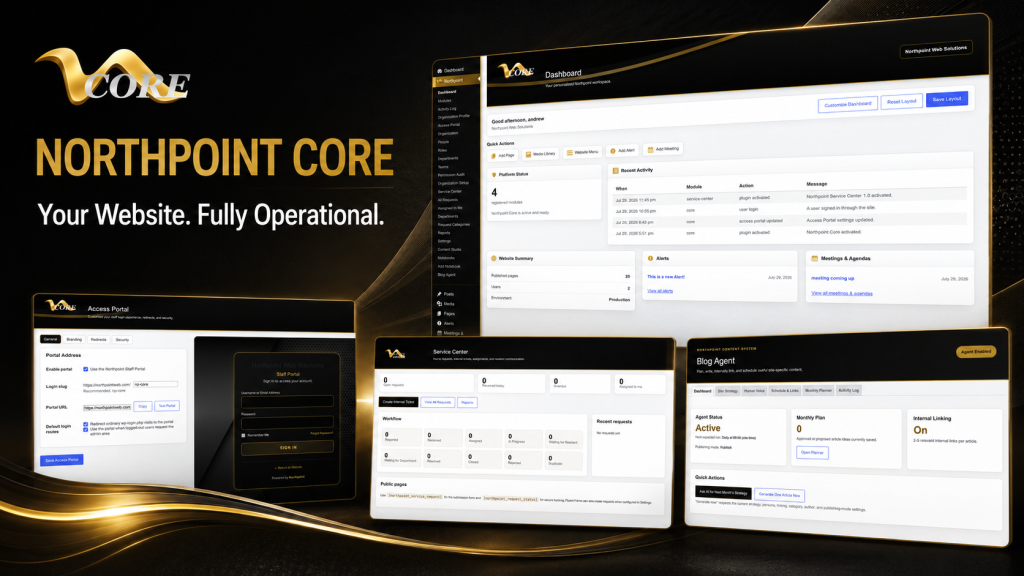
One problem we encounter when building municipal and organizational systems is scattered workflows: forms emailed to staff, requests lost in inboxes, or content managed by different people using different tools. That’s why we design modular tools that sit inside WordPress and expose administrative dashboards where staff actually do work. Northpoint Core, Northpoint Service Center, and Northpoint Content Studio are examples of that approach: they’re designed to keep operational data in structured modules rather than buried inside pages.
When you evaluate developers, look for concrete examples of modular design, a plan for staff workflows, and the ability to add features without rebuilding the entire site. If you want to see a practical example of a WordPress Developer who builds beyond themes and forms, review our service page on WordPress Developer for Websites, Plugins & Custom Business Software.
Relevant internal links
- WordPress Developer — primary internal target for developer services
- Northpoint Core — WordPress business operating system and connected business tools
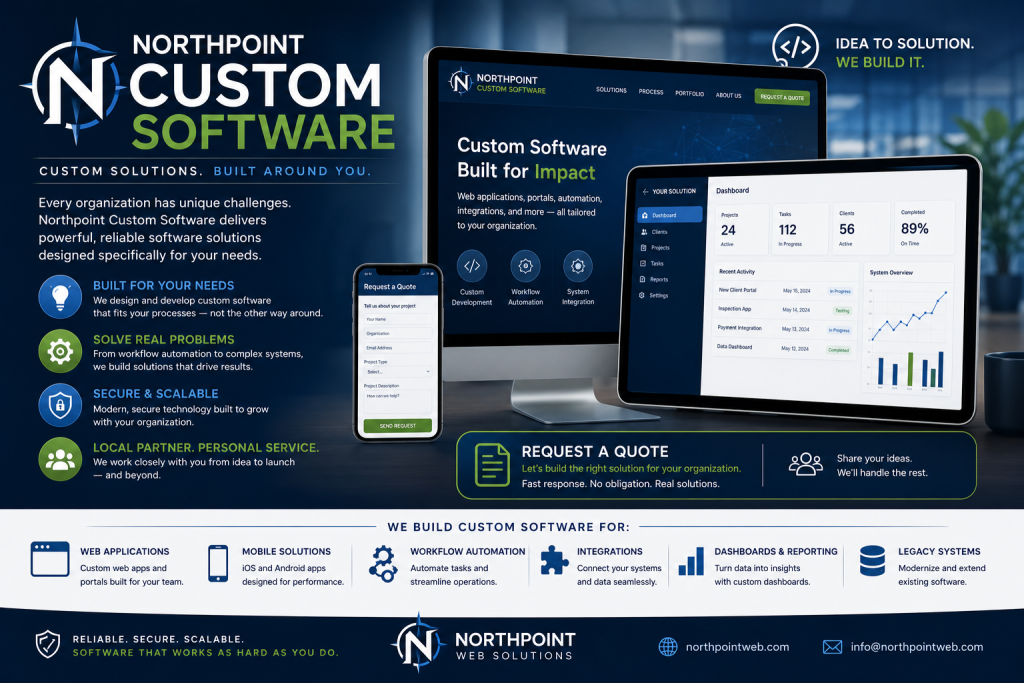
- custom WordPress software — custom plugin & software development services
- website management — managed WordPress hosting and ongoing support
Decision framework: When to hire a developer versus buy a SaaS
Use this quick framework to decide whether custom WordPress work is appropriate:
- If your workflows require tight integration with your website and staff dashboards, custom plugins or modular software inside WordPress usually win.
- If you need an out-of-the-box service with predictable features and low setup, SaaS can be faster — but consider long-term data portability and licensing costs.
- If you have multiple disconnected SaaS tools, replacing them with a connected WordPress system can reduce subscriptions and centralize data. A phased migration checklist helps reduce risk.
Final practical tips before you commit
- Insist on a short discovery phase to define outcomes and deliverables.
- Request a maintenance and hosting proposal alongside development so you aren’t forced to hand off support to someone else after launch.
- Prefer modular solutions and documented APIs over direct theme hacks.
- Ask for a 30/60/90-day plan for initial delivery and early wins.
When I built my first BBS and later moved into web development, the difference between a site that looks good and a system that actually works became clear fast. A website should work for your organization 24 hours a day, not just be online. If you’re tired of hires who promise custom work and deliver a theme, talk with Northpoint Web Solutions about your website, software, or workflow problem. We can help figure out whether an existing Northpoint product, a custom WordPress plugin, or a hybrid solution is the best fit.