If your WordPress plugin almost works but cannot support an important workflow, you may not need to replace it—or hire a developer immediately. Start by checking configuration, then evaluate whether the plugin can be extended safely, and consider custom development when its architecture or limits stand in the way.
This guide explains what to check at each stage, what a realistic scope can include, and what to ask before hiring a WordPress plugin developer.
What this article helps you do
If an off‑the‑shelf WordPress plugin is “almost” the solution, this article gives a concrete 3‑step decision framework: try configuration first, then consider extending the plugin, and finally decide when a custom build (or hiring a custom WordPress plugin developer) is the right path. You’ll get practical technical checks to run, sample scopes for each option, and suggested next steps so you can move forward without guessing.
Step 1 — Configure: get the most without code
Before you call a developer, exhaust the plugin’s configuration surface. Many plugins include hooks, settings, feature toggles, or integrations that solve common gaps.
- Checklist: Review settings pages, role/capability options, and integration tabs (Zapier, webhooks, REST API). Search the plugin documentation for filters or actions.
- Quick tests: Use a staging site. Change one setting at a time and record results. Check for conflicts by temporarily switching to a default theme and disabling other plugins.
- When this is enough: If the plugin supports your workflow after toggles and small UI changes, you save time and money.
Step 2 — Extend: modify without replacing
If configuration falls short but the plugin is structurally close to what you need, extending it with code is often the sweet spot. An extension can preserve upgrades while adding business‑specific behavior.
Technical checks before extending
- Does the plugin expose documented filters/actions? If yes, most customizations can hook into those without modifying core files.
- Is there an API or REST endpoints? If so, you can build external integrations or admin UIs that consume those endpoints.
- Are templates overridable via your theme? Many plugins let you drop copies of templates into your theme for display changes.
- Does the plugin follow WordPress coding practices (namespaced functions, clear prefixes)? That reduces upgrade risk.
Sample extension scopes
- Small: Add a shortcode and an admin setting to show filtered results—low risk and typically a few developer hours to a couple of days.
- Medium: Create a companion plugin that adds new REST endpoints, custom permissions, or admin dashboards—moderate effort, preserves plugin updates.
- When to extend: The plugin handles core storage and workflows, but you need organization‑specific business rules, reporting, or UI polish.
Step 3 — Custom build: when to hire a developer
Custom development is the right choice when the plugin’s architecture, license, or roadmap blocks necessary functionality, or when you need tight control over data, workflows, and integrations.
Signs you need a custom WordPress plugin developer
- The plugin cannot store or expose data your organization needs in usable formats.
- Business rules are complex (automated assignments, multi‑step approvals, billing integration, or heavy reporting) and the plugin’s extension points are limited.
- Performance issues: queries or screens slow when scaled, and the plugin lacks optimized APIs or caching options.
- Security or compliance constraints require stricter controls than the plugin provides.
Sample custom scopes
- Small custom: A focused plugin that implements a few organization-specific fields, a REST endpoint, and an admin list view—appropriate when you already use WordPress data structures.
- Medium custom: A plugin that integrates forms, staff assignment, and status-driven workflows—could replace several plugins and centralize data.
- Large custom: Full custom application inside WordPress with its own database schema, background jobs, reporting, and third‑party integrations—best when SaaS costs or workflow mismatches are high.
Practical effort and procurement considerations
Rather than giving price bands, think in scope and risk. Small extensions are low risk and fast. Medium projects need discovery, acceptance criteria, and staging. Large custom builds require detailed discovery, phased delivery, and ongoing maintenance plans.
When you hire a developer, ask for:
- A short discovery report listing data models, APIs, admin screens, and upgrade/migration needs.
- A phased timeline with measurable milestones and a rollback plan for production changes.
- Maintenance and hosting recommendations—WordPress‑hosted business apps need proper managed hosting and backups.
How Northpoint helps
One problem we encounter when building systems for municipalities and organizations is that installed plugins often contain the right ideas but not the right workflows. At Northpoint we design modular WordPress software to sit inside existing sites without rebuilding them. If you decide a custom path is best, we can evaluate whether an existing Northpoint product fits your needs, extend a plugin safely, or build custom software that runs inside WordPress.
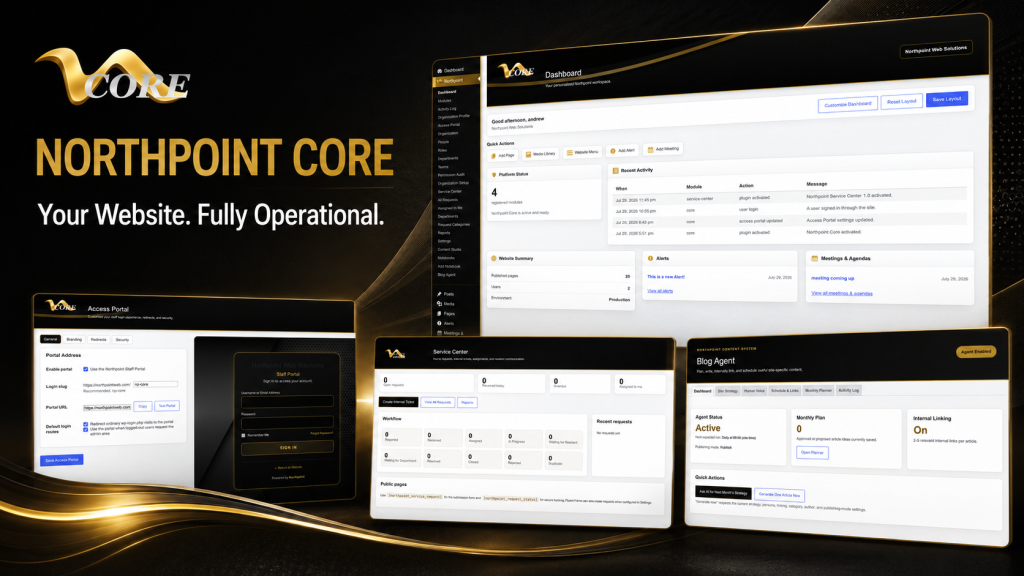
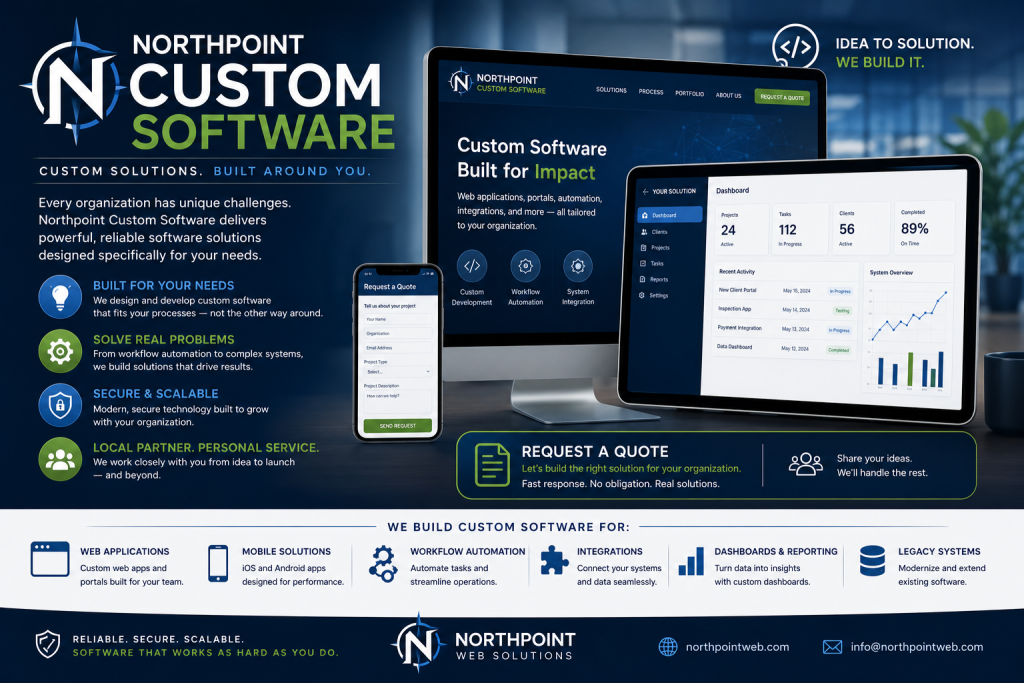
For example, our custom WordPress software and plugin development service can provide a discovery phase and clear scope. If you prefer a modular framework, our Northpoint Core provides a centralized administrative dashboard that supports modular tools and permissions. For organizations that need ongoing support and hosting, our website and software services cover managed hosting, maintenance, and updates so your custom plugin stays reliable.
Next steps: a simple decision checklist
- Try configuration on staging and document what’s missing.
- Run the technical checks for extendability: hooks, APIs, template overrides.
- If extendable, sketch a short scope (small/medium) and get time estimates from a developer.
- If not extendable or you need deep integration, commission a discovery to compare a custom build vs. alternative plugins or SaaS.
Parting note
When I first taught myself web hosting and cPanel tricks, the lesson stuck: solve the problem closest to the user, then iterate. The same idea applies to plugins—start small, validate quickly, and avoid rewriting when a few hooks will do. But don’t be shy about hiring a developer when your workflows need durable, measurable automation. A website should be working for your organization 24 hours a day—not just sitting online.
Talk with Northpoint Web Solutions about your website, software or workflow problem. We can help determine whether an existing Northpoint product, a custom plugin, or a custom software solution is the best fit.
Make the Decision Before You Commission Custom Code
Before requesting a custom build, document the exact behavior the plugin does not support. Identify who uses the workflow, what data must be stored or exchanged, which permissions apply, and what the current plugin already handles. This creates a clearer basis for configuration, extension, or custom development.
- Describe the missing workflow in plain language.
- Separate essential requirements from UI preferences.
- Record current plugins, integrations, and third-party systems.
- Note any performance, security, compliance, or upgrade concerns.
Step 1 — Configure the Plugin Before Hiring a Developer
Review settings pages, role and capability options, integration tabs, webhooks, and REST API documentation. Search the plugin documentation for filters and actions before assuming that custom code is necessary.
Use a staging site, change one setting at a time, and test for conflicts by temporarily switching to a default theme and disabling other plugins. If the plugin supports the workflow after configuration and minor UI changes, this is usually the lowest-risk path.
Step 2 — Extend the Plugin Without Replacing It
If the plugin’s data model and core workflow are close to what you need, a companion plugin or other extension may be the right solution. Look for documented filters and actions, APIs or REST endpoints, overridable templates, and clear WordPress coding practices such as namespaced or consistently prefixed functions.
- A small scope might add a shortcode, admin setting, or filtered result.
- A medium scope might add REST endpoints, custom permissions, or an administrative dashboard.
- Keeping custom logic outside the plugin’s core files helps preserve future updates.
Step 3 — Know When a Custom WordPress Plugin Is the Better Choice
Custom development becomes more appropriate when the plugin cannot store or expose required data, its extension points are limited, or your organization needs complex assignments, approvals, billing integrations, reporting, or tightly controlled permissions. Performance problems that persist at scale and security or compliance requirements can also justify a custom approach.
A custom scope may be a focused plugin with fields, an endpoint, and an admin list; a workflow system connecting forms, staff, and statuses; or a larger WordPress application with its own schema, background jobs, reporting, and integrations.
When an Almost-Right Plugin Becomes a Business Problem
An off-the-shelf plugin may contain the right general features but still fail to support your organization’s workflows, data requirements, permissions, integrations, or reporting. The key question is not simply whether the plugin is frustrating; it is whether the gap can be solved safely without creating upgrade, performance, or security problems.
Use a Configure, Extend, or Custom-Build Decision Framework
Start with configuration on a staging site. If that is not enough, check whether documented hooks, APIs, REST endpoints, or template overrides support an extension. Consider a custom plugin or software solution only when the existing architecture, license, roadmap, or performance limits prevent a durable solution.
What the Right Path Helps You Avoid
- Unnecessary replacement of a plugin that can be extended safely.
- Core-file changes that create upgrade and maintenance problems.
- Large custom builds before the data model, workflows, and acceptance criteria are clear.
- Choosing a plugin that cannot support required permissions, integrations, reporting, or performance needs.
A Practical Scope Before Development Begins
Before hiring a developer, ask for a discovery report covering data models, APIs, admin screens, upgrade or migration needs, staging, rollback planning, and maintenance. A phased scope makes it easier to compare an extension with a custom build and gives both sides measurable milestones.
Do You Need a Custom Plugin Developer Yet?
Not necessarily. Configuration may be enough, and a companion plugin may solve the problem without replacing the original plugin. A developer becomes more appropriate when the plugin cannot expose or store needed data, its extension points are limited, workflows are complex, or performance and security requirements exceed what it provides.
Discuss the Best WordPress Path for Your Workflow
If you have already tested configuration and need help evaluating an extension, custom plugin, or broader WordPress software solution, Northpoint can help define the problem and possible scope. The next step is a conversation about the workflow, existing plugins, integrations, and constraints—not a commitment to build.
Not Sure Whether to Extend or Build Custom?
If your plugin is close but your workflow still has a critical gap, talk with Northpoint about the configuration, extension, or custom software options. We can start by understanding the current plugin, the required workflow, and the constraints that affect scope.