
Turn Clicks into Contracts and Job Applicants
Your landing page is your digital storefront, your top recruiter, and your best salesperson, working around the clock. For contractors and industrial businesses in the Uinta Basin, a high-performing landing page isn't a luxury. It's what separates a steady flow of qualified calls in Vernal, Roosevelt, and Duchesne from a page that gets traffic but produces nothing.
A lot of local companies have the same problem right now. They're paying for ads, sharing jobs on Facebook, sending people to a website, and still not getting enough quote requests or job applicants. Usually the problem isn't the service. It's the page. The message is vague, the phone number is buried, the form asks too much, and the site loads poorly when someone checks it from a truck at a job site.
Good landing page design best practices aren't about trendy layouts. They're about making it obvious what you do, why you're credible, and what the visitor should do next. That applies whether you're booking excavation work, selling oilfield services, or recruiting CDL drivers who want a better local opportunity.
If you need a stronger foundation before redesigning a page, review these UX design principles. Then fix the parts that move leads.
Table of Contents
- 1. Craft a Powerful Above the Fold First Impression
- 2. Place Strategic Calls to Action
- 3. Build Unshakeable Trust with Local Social Proof
- 4. Write Benefit Focused Copy That Speaks to Your Customer
- 5. Leverage Authentic Industry Specific Visuals
- 6. Design for Mobile First Job Site Accessibility
- 7. Optimize Forms for Fast Leads and Job Applications
- 8. Integrate Local SEO to Dominate the Uinta Basin
- 8-Point Landing Page Best Practices Comparison
- Your Landing Page Checklist for Uinta Basin Success
1. Craft a Powerful Above the Fold First Impression
A drilling superintendent in Vernal clicks your ad between calls. A CDL driver in Roosevelt taps your hiring page from a phone in a truck stop. They give you a few seconds. If the top of the page is vague, slow, or generic, they leave.
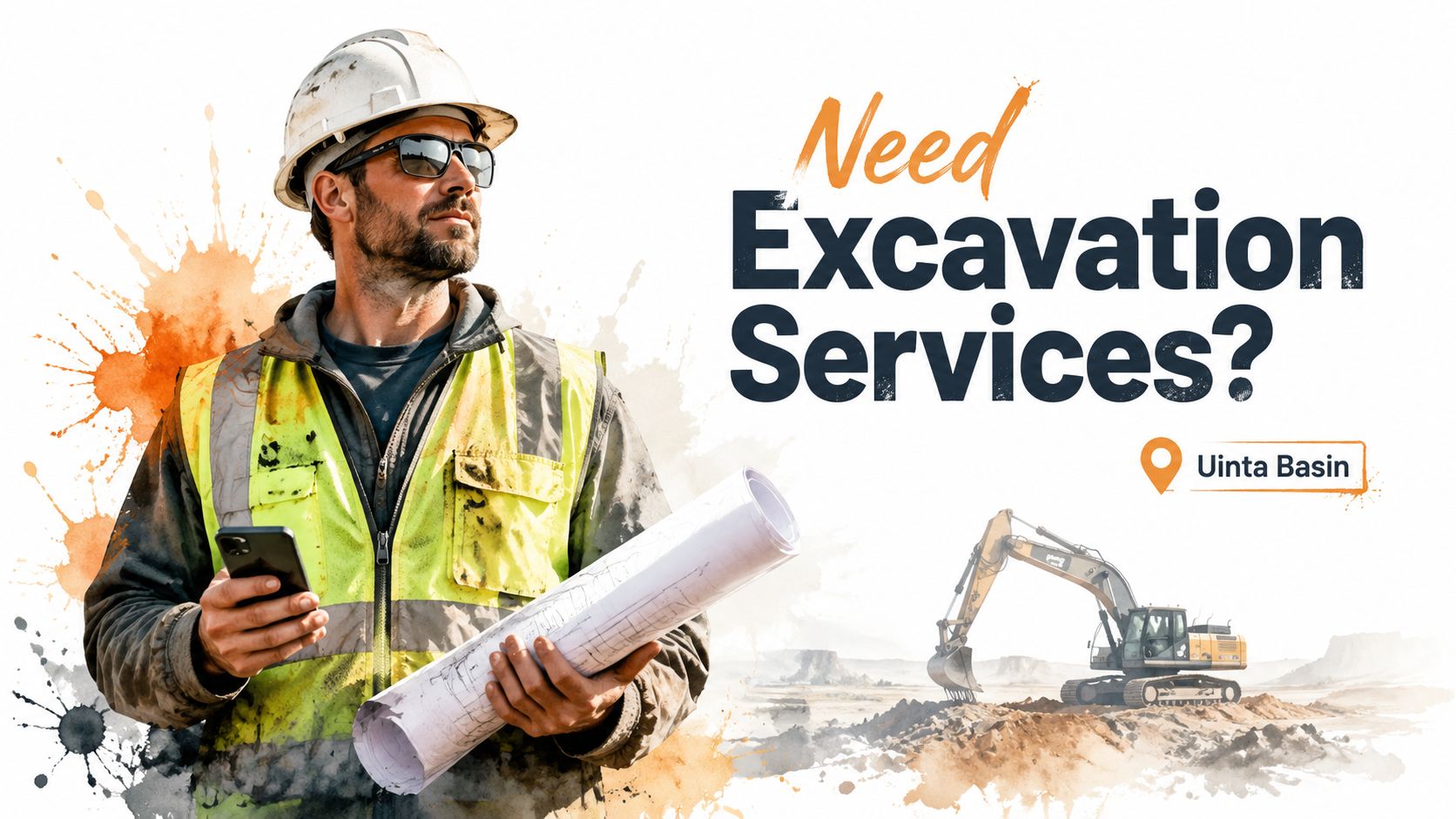
Your first screen has one job. Tell people exactly what you offer, where you offer it, and why they should trust you enough to keep going. Basin businesses lose leads here by trying to sound polished instead of sounding clear.
Say What You Do and Where You Do It
Write the headline like a straight answer to the search or ad click. If someone searched for hydrovac work, say hydrovac work. If you are hiring drivers in Roosevelt, say that. Good examples are “Hydrovac Services in Vernal and Roosevelt” or “Now Hiring CDL Drivers in Roosevelt, Utah.” Weak headlines about quality, innovation, or excellence waste the most valuable space on the page.
The subheading should do one more thing. Explain the result. Faster excavation. Less oilfield downtime. Steady local driving routes. Better pay and home time. Keep it short and specific.
Keep the top of the page tight. Remove anything that pulls attention away from the offer. A campaign landing page should feel focused, not like a full website with ten exits.
Use this test before you publish:
- Headline clarity: Name the exact service, crew type, or job opening.
- Service area: Include Uinta Basin, Vernal, Roosevelt, Duchesne, or the actual coverage area.
- Offer match: Make sure the image and headline match the ad or search term.
- Visible action: Put the main button or phone number in view right away.
- Real-world proof: Show trucks, equipment, crews, yards, or active job sites from your operation.
One more rule. If the hero section could belong to a contractor in Texas, North Dakota, or anywhere else, it is too generic for the Uinta Basin.
For industrial buyers and job applicants, clarity wins first. Branding can come later.
2. Place Strategic Calls to Action
A drilling superintendent in Vernal clicks your ad from the field. A CDL driver in Roosevelt lands on the same page during a lunch break. If both visitors see the same generic button, you lose one or both.
Your CTA has one job. Tell the right person exactly what to do next.
Contractors across the Uinta Basin miss leads here because they treat every visitor the same. That approach fails fast in industrial markets. A company looking for hydrovac support wants a quote or a phone call. A driver looking for work wants a fast application. Separate those paths early, and make the next step obvious.
Match the CTA to the Visitor Intent
Put the primary CTA high on the page. Repeat it after a proof section. Show it again near the bottom for visitors who need a little more information before they act. Use the same core wording each time so the page feels consistent and clear.
Button text should be plain and specific. “Get My Project Estimate” beats “Submit.” “Apply for CDL Position” beats “Learn More.” “Call Now for Emergency Service” beats almost everything when the job is urgent and the customer is standing on a muddy site with a problem that needs fixed today.
Message match matters. If someone clicked an excavation ad, the CTA should point to an excavation estimate or a direct call with your team. If they came from a recruiting campaign, send them to an application or recruiter contact. Do not dump both audiences into the same form and hope they sort it out.
Here's a practical setup for Basin businesses:
- Emergency or outage work: “Call Now for Emergency Service”
- Planned industrial or contractor work: “Get My Project Estimate”
- Oilfield and field service inquiries: “Request a Jobsite Quote”
- CDL recruiting page: “Apply for CDL Position”
- Hiring page for hesitant applicants: “Talk to a Recruiter”
- Mobile traffic: Use a large tap-to-call button fixed near the top or bottom of the screen
Placement matters, but hierarchy matters more.
If you want more than one CTA, rank them hard. One primary action. One secondary action. Everything else competes for attention and lowers response. For a trucking company, that usually means “Apply for CDL Position” is primary on hiring pages, while “Request a Freight Quote” stays secondary or moves to a separate page entirely.
Keep the design consistent too. Your main CTA should use one color, one style, and one message pattern across the page. If every section has a different button label, visitors slow down and start thinking instead of acting. On a good landing page, the next step feels obvious from the first screen to the last.
3. Build Unshakeable Trust with Local Social Proof
A Vernal operations manager lands on your page after searching for an excavation contractor. He is not looking for slogans. He is checking for signs that your crew is safe, reliable, local, and proven on jobs like his.
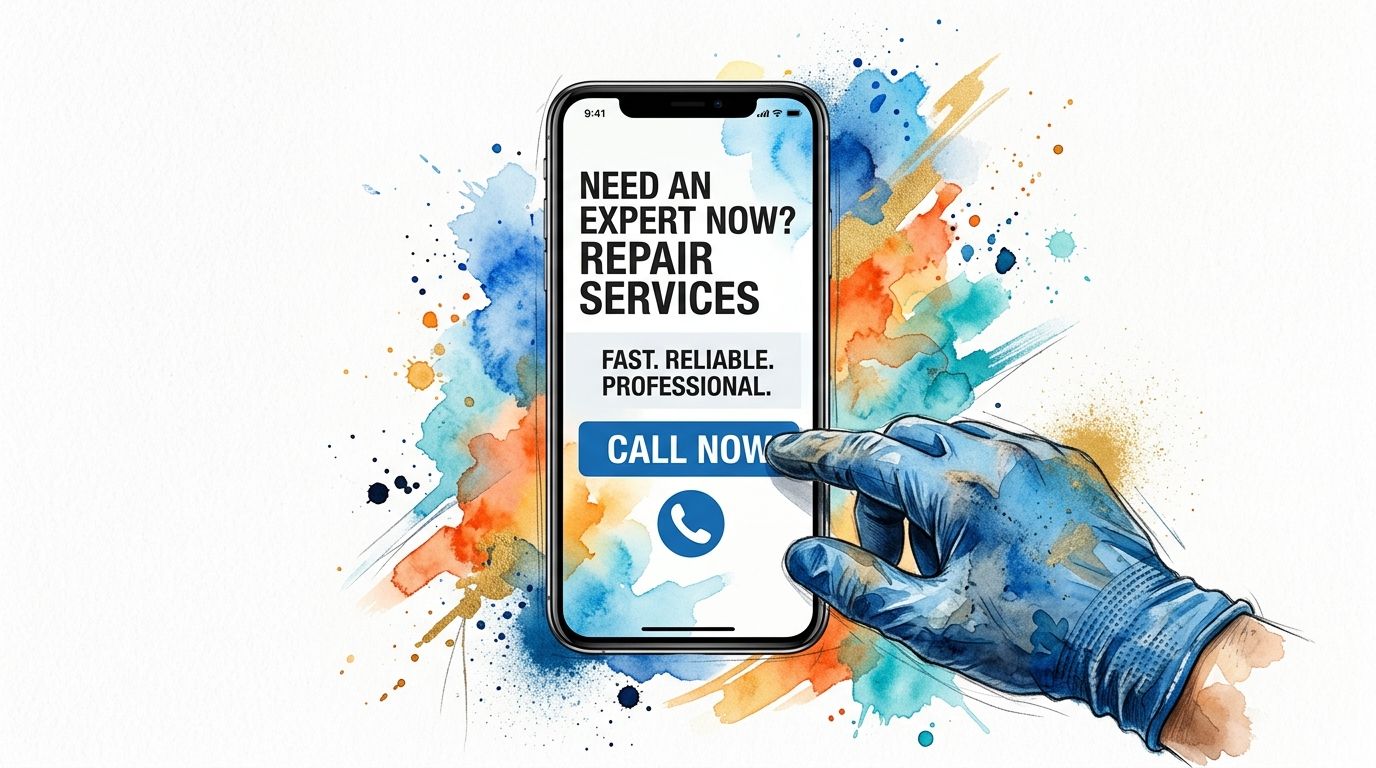
That decision happens fast in the Uinta Basin. People talk. They know which contractor returns calls, which company shows up ready, and which outfit creates headaches on site. Your landing page should reflect that local reputation with proof a buyer or job applicant can verify in seconds.
Put trust signals near the top of the page, not buried at the bottom. A short review snippet, a certification badge, a recognizable client logo, or a line that says "Licensed & Insured in Utah" gives visitors a reason to keep reading. For oilfield services, welding, trucking, excavation, and industrial maintenance, that proof carries more weight than another claim about quality.
Use proof that feels local and specific:
- Show real credentials: Put licenses, insurance status, safety certifications, and years serving the Basin where people can see them quickly.
- Use recognizable names carefully: If you have permission, add logos from regional contractors, energy companies, municipalities, or suppliers.
- Feature detailed testimonials: A strong review mentions the work itself. Emergency line repair, pad prep completed on schedule, clean MSHA or OSHA practices, or fast response during a shutdown.
- Add employee proof on hiring pages: CDL drivers, equipment operators, and field techs trust current crew members more than polished recruiting copy.
- Include location context: Reviews from Roosevelt, Vernal, Duchesne, or surrounding communities feel more believable than generic praise with no place attached.
A testimonial that says "great service" does almost nothing. A testimonial that says your crew mobilized quickly, communicated clearly, and finished a pipeline support job without slowing the rest of the site does the job.
The same rule applies to recruiting. If you need CDL drivers or field hands, include short quotes about hours, equipment condition, safety expectations, and how the company treats people. That kind of proof answers the questions applicants have. If your team needs help tightening that messaging, review these website copywriting best practices for service pages.
One more rule. Keep every trust signal honest. Do not post stock testimonials, outdated certifications, or logos from companies that never approved their use. In a small regional market, that mistake spreads fast and costs you far more than one lead.
Specific credibility wins in the Basin. Generic praise gets ignored.
4. Write Benefit Focused Copy That Speaks to Your Customer
A Vernal plant manager lands on your page during a shutdown. A Roosevelt contractor needs a crew that can show up, do the work right, and stop slowing the schedule. A CDL driver in Duchesne is deciding whether your company is worth a call. None of them care about vague claims or polished slogans. They want proof that you solve the problem in front of them.
Write copy that answers the buyer's first question. Can you help me get the result I need without wasting my time?
That means benefits first, details second. “24/7 response” is a feature. “Get a crew on site fast to cut downtime and keep the job moving” is the benefit. “Modern fleet” is a feature. “Reduce delays with equipment that is ready to work in Basin conditions” is the benefit. Industrial buyers and applicants both scan for outcomes before they read the rest.
Recruiting pages need the same treatment. “Competitive pay” is weak and forgettable. “Steady work, dependable equipment, clear expectations, and pay that respects your experience” gives a CDL driver or operator a reason to keep reading. Say what the job gives them, not what the company wants to announce.
Use a simple structure on every service or hiring page:
- Start with the problem they are trying to fix: shutdown support, pad prep delays, pipeline repair, driver turnover, hard-to-fill field roles
- State the result clearly: faster response, fewer delays, safer work, better communication, steadier employment
- Back it up with specifics: service area, crew capabilities, equipment, certifications, turnaround times, or types of work you handle in the Uinta Basin
- Use plain language: write the way your customers, supervisors, and applicants talk on the phone
Good copy earns trust by being specific. If you serve oilfield sites, say that. If you handle excavation, trucking, roustabout work, welding, or emergency callouts across Vernal, Roosevelt, and Duchesne, put it on the page. Generic language makes serious companies look interchangeable.
If your message still sounds broad or self-congratulatory, tighten it up with these website copywriting tips for service businesses.
Keep the writing lean, but do not strip out the substance. Industrial buyers usually need more detail than retail customers because their decisions involve greater risk. Good page copy matches the decision, the risk, and the local market you serve.
5. Leverage Authentic Industry Specific Visuals
A field superintendent in the Uinta Basin can spot a fake photo in seconds. So can a CDL driver looking at your jobs page after a 12-hour shift. If your page shows polished stock images instead of your actual trucks, crews, iron, and work sites, you look generic. Generic does not win industrial work.
Use photos that prove you belong in this market. Show your excavation crew on a real pad prep job near Vernal. Show your welding team in the shop and in the field. Show the trucks, trailers, and equipment you send out across Duchesne, Roosevelt, and the surrounding Basin. If you are hiring, show the cab, the yard, the shop, and the conditions applicants will walk into on day one.
Show the Work You Actually Do
Your visuals should answer the questions buyers and applicants already have. Do you have the equipment? Do you run a clean operation? Do your crews look experienced and safety-conscious? Do you really handle the type of work you claim?
That means close-up equipment shots, active jobsite photos, finished project images, shop capacity, and team photos taken in their actual environment. A trenching contractor should show trenching. An oilfield service company should show field work. A trucking company should show fleet condition and the kinds of loads it moves.
Keep the files light. Rural connectivity is still inconsistent across parts of the Basin, and oversized images slow the page down for people checking your site from the field. A huge background video in the first screen is a mistake. Use fast-loading images instead, and make any video optional.
Use visuals with discipline:
- Use real photography: Book a local photographer for a half day and build a library you can use across service pages and hiring pages.
- Show relevant scenes: Match the photo to the service, trade, or role on that page.
- Compress every image: Resize and optimize files before upload so pages load quickly.
- Skip autoplay video: Put video lower on the page and let visitors choose to play it.
- Write specific alt text: Describe the crew, equipment, service, and location clearly.
- Show professionalism: PPE, organized yards, maintained equipment, and clean shops all support trust.
Good visuals are proof. They show Basin customers and job applicants that you do real work, with real people, in the places you say you serve.
This is one of the easiest ways to improve a page and separate your company from lookalike competitors.
6. Design for Mobile First Job Site Accessibility
A superintendent in Naples needs a trenching contractor. A CDL driver in Roosevelt is checking job posts from his phone between runs. An oilfield service manager is looking up your number from a lease road with weak signal. If your landing page fights them on mobile, you lose the call.
Mobile-first design means the page works fast, reads clearly, and gives people one obvious next step on a phone. It is not a desktop layout squeezed onto a smaller screen. It is a field-ready page built for thumbs, glare, bad reception, and short attention spans.
That matters in the Uinta Basin more than it does in a city market.
Across Vernal, Roosevelt, Duchesne, and the outlying job sites, many visitors are checking your page from a truck cab or a piece of equipment, not from an office with strong Wi-Fi. Your mobile layout has to do the heavy lifting. If you want more leads, use the same mobile usability principles that improve landing page conversion rates in practice: how to improve conversion rate.
Build for Real Job Site Conditions
Start with tap targets people can successfully hit. Google's Android accessibility guidance recommends touch targets of at least 48 by 48 dp for mobile controls, which is a solid standard for call buttons, apply buttons, and quote buttons on contractor pages.
Then clean up the layout:
- Make primary buttons large and obvious: “Call Now,” “Request Estimate,” and “Apply Now” should stand out and be easy to tap with one thumb.
- Keep paragraphs short: Field users scan. Break copy into clear sections with strong subheads.
- Use readable text sizes: If someone has to pinch and zoom, the page is already failing.
- Keep contact options visible: A sticky call button or fixed CTA bar works well on mobile.
- Strip out heavy extras: Large videos, oversized graphics, and fancy effects slow pages down where connectivity is weak.
Here is the standard I recommend for Basin contractors. The first screen should load quickly, explain what you do, name the service area, and offer one immediate action. For an excavation company, that might be a tap-to-call button and a short line about site prep, trenching, or utility work. For a recruiting page, it might be pay range, route type, and a fast apply button that works from the cab of a truck.
A good mobile page removes friction. A bad one asks people to work for basic information.
If a driver taps your hiring ad outside Myton, he should be able to read the job summary, see the pay or schedule, and contact you in seconds. If a production company needs a roustabout crew fast, they should not have to hunt through tiny menus or wait for half the page to load. Desktop polish still matters, but mobile usability is what gets the lead in this market.
7. Optimize Forms for Fast Leads and Job Applications
A CDL driver sees your hiring ad during a break in Roosevelt. An operations manager needs a trenching crew in Vernal before the end of the day. Both are ready to act. Then your form asks for eight fields, a resume, a full address, and a long message box. That lead is gone.
Forms on Basin landing pages should do one job. Start the conversation fast.
If you want more quote requests or more job applicants, cut the form down to the minimum your team needs to respond. Do not ask for every detail up front. You can get job history, project specs, insurance requirements, and scheduling details after the person contacts you.
Ask for Less, Get More Starts
For service pages, three fields is usually enough. Name, phone, and a short project note work for most excavation, oilfield service, welding, and site prep pages. If email matters more than phone for your process, use that instead. Keep it simple.
For recruiting pages, speed matters even more. A driver on a phone should be able to apply in under a minute. Start with name, phone, city, and an optional resume upload. Save the full application for the next step.
That matters in the Uinta Basin because a lot of these visits happen from the field, from the truck, or in areas with weak service. Long forms lose people before your office ever gets the chance to call back.
A practical setup looks like this:
- Lead form: Name, phone, brief project note
- Job form: Name, phone, city, optional resume upload
- Button text: “Request Estimate,” “Talk to Our Team,” or “Apply Now”
- Next-step message: Tell them when they will hear from you
- Urgent work option: Put a tap-to-call number above the form
One more point. Match the form to the offer. A hydrovac emergency page should push calls first. A recruiting page for CDL drivers should push a fast apply form first. A general contractor estimate page can do either, depending on how your team handles inbound leads.
If traffic is coming in but the page is not producing calls or applications, check the form before you rewrite the whole page. Shorter forms fix a lot of conversion problems. If you also need to tighten your local search visibility for these service and hiring pages, use this guide to local SEO for contractors. This article on improving conversion rate is also useful after launch.
The best form is the shortest form that gives your team enough information to respond fast and well.
8. Integrate Local SEO to Dominate the Uinta Basin
A strong page still has to be found. Local SEO is what gets your landing page in front of the right searcher when someone types “hydrovac Vernal,” “excavation contractor Duchesne County,” or “CDL jobs near Roosevelt.”
Many contractors miss easy wins. They build one broad service page and expect it to rank for everything. It won't. Searchers use specific location and service combinations, and your page should reflect that clearly in the title, heading, copy, and supporting content.
Build Separate Pages for Separate Searches
Create landing pages around actual offers. If you run multiple services, separate them. Hydrovac work should have its own page. Roustabout services should have their own page. Hiring pages should be separate from service pages. A person looking for a job and a person looking for a contractor aren't the same visitor.
Keep the page locally grounded. Mention the actual service area, nearby towns, job types, and regional context. For industrial audiences, enough technical detail also matters for trust. Verified data shows that B2B decision-makers in industrial sectors often leave pages that feel too thin or generic, which is why local relevance and useful detail have to work together.
Use this local SEO foundation:
- Title tags: Lead with the service and location.
- Headlines: Match the search intent directly.
- Body copy: Mention realistic project types and local service areas naturally.
- Internal support: Link from related service pages and blog content.
- Business consistency: Keep your company name, address, and phone consistent across the web.
If you need a deeper local strategy, this guide to local SEO for contractors is the right starting point.
A page that ranks but doesn't convert is wasted traffic. A page that converts but never gets found is wasted effort. You need both.
8-Point Landing Page Best Practices Comparison
Use this table to decide what to fix first. If you run an excavation company in Roosevelt, an oilfield service crew in Vernal, or you are hiring CDL drivers across the Basin, start with the items that improve clarity, trust, and response speed fastest.
| Item | Implementation Complexity 🔄 | Resource Requirements ⚡ | Expected Outcomes ⭐ | Ideal Use Cases 💡 | Key Advantages 📊 |
|---|---|---|---|---|---|
| Craft a Powerful "Above the Fold" First Impression | Medium, copy + design, needs testing 🔄 | Low to Medium, headline writer, hero image, designer ⚡ | High, lower bounce, better early qualification ⭐ | Local landing pages, recruiting, emergency service pages 💡 | Immediate clarity, stronger engagement, better message match 📊 |
| Place Strategic Calls-to-Action (CTAs) | Low to Medium, placement + testing 🔄 | Low, design + basic CRO tools ⚡ | High, more calls, form fills, and quote requests ⭐ | Conversion-focused pages, multi-intent landing pages 💡 | Directs user action, cuts hesitation 📊 |
| Build Unshakeable Trust with Local Social Proof | Medium to High, collect, verify, embed testimonials 🔄 | Medium, time, photo or video work, reputation tools ⚡ | Very High, less hesitation, supports premium pricing ⭐ | High-stakes industries (oilfield, construction, transportation) 💡 | Strong local credibility, higher trust, more pricing power 📊 |
| Write Benefit-Focused Copy That Speaks to Your Customer | Medium, customer research and rewrite 🔄 | Low to Medium, copywriter, stakeholder interviews ⚡ | High, better conversions, clearer ROI messaging ⭐ | B2B industrial sales, service pages needing ROI proof 💡 | Clearer value, stronger differentiation, better buyer fit 📊 |
| Use Authentic, Industry-Specific Visuals | Medium, photo shoots + optimization 🔄 | Medium to High, photographer or videographer, editing, hosting ⚡ | High, longer time on page, stronger trust ⭐ | Construction, welding, excavation, trucking 💡 | Shows real capability, puts faces to the business, increases engagement 📊 |
| Design for Mobile-First, Job Site Accessibility | High, disciplined design and cross-device testing 🔄 | Medium, dev time, testing tools, performance work ⚡ | Very High, better rankings and more mobile conversions ⭐ | Job-site audiences, mobile-heavy users, rural connections 💡 | Faster loads, easier use in the field, higher mobile conversion rates 📊 |
| Optimize Forms for Fast Leads and Job Applications | Low, simplify fields and UX 🔄 | Low, form setup + CRM integration ⚡ | High, fewer drop-offs, faster lead capture ⭐ | Lead-gen pages, quick-apply recruiting forms 💡 | Higher conversion rates, quicker follow-up, less friction 📊 |
| Integrate Local SEO to Dominate the Uinta Basin | Medium to High, on-page SEO, schema, content strategy 🔄 | Medium to High, ongoing content, citations, specialist time ⚡ | High, long-term, sustained organic traffic from high-intent searches ⭐ | Local service businesses seeking steady leads 💡 | Lower long-term cost per lead, better discoverability, stronger map visibility 📊 |
Your Landing Page Checklist for Uinta Basin Success
Building a strong landing page isn't about flashy design trends. It's about removing confusion, reducing friction, and making trust obvious from the first screen. If you own an excavation company, oilfield service business, trucking company, welding shop, or another contractor operation in the Uinta Basin, your page needs to work for the way local people search, browse, and make decisions.
The standard homepage approach usually isn't enough. A landing page should match one offer to one audience with one clear next step. If you're recruiting CDL drivers, build the page around the job. If you're selling emergency field service, build the page around fast response. If you're trying to win excavation work, focus the message on reliability, equipment capability, service area, and proof that you've done this kind of work before.
The basics still matter most. Lead with a clear headline. Put the contact action where people can see it. Show local trust markers early. Use real photos, not filler images. Keep forms short. Make the page easy to use on a phone in the field. And if your audience is industrial or B2B, don't strip out so much detail that the page feels shallow. Serious buyers need enough information to believe you know what you're doing.
Here's the simple gut check.
- Headline: Does it clearly say what you do and who you serve locally?
- CTA: Is the main action obvious, direct, and repeated in the right places?
- Trust: Can visitors see proof fast, including licensing, reviews, logos, or employee credibility?
- Mobile: Is the page easy to read, tap, and use on a job site?
- Copy: Does the writing focus on the customer's problem and outcome instead of your company talking about itself?
- Form: Did you ask only for the information needed to start the conversation?
- SEO: Is the page built around a real service plus a real location people search for?
If your current pages aren't bringing in enough leads or applicants, don't assume you need more traffic. Often you need a better page. Better messaging, better structure, better trust signals, and better usability usually make the biggest difference.
Northpoint Web builds lead-generation and recruiting websites for contractors and industrial businesses in the Uinta Basin. If you want landing pages that help you win more jobs, attract better applicants, and compete harder online, a focused strategy call is the fastest place to start.
Northpoint Web helps contractors, oilfield service companies, trucking businesses, and local companies across the Uinta Basin build landing pages that generate real leads and real applicants. If your website isn't pulling its weight, talk with Northpoint Web and get a practical plan built for your business, your market, and the way people find you in rural Utah.