Hi — I’m Andrew North. I learned about online communities on dial-up BBS systems and then built websites throughout the early web era. Those early lessons stuck: a website should do more than sit online; it should work for your organization, day and night. Based in the Uinta Basin and serving municipalities across Utah and the United States, Northpoint focuses on making municipal websites practical, easier to maintain, and useful to residents.
Start with a focused audit
Before a redesign or new plugin, audit what your website does today. Look for the pages visitors actually use, common resident questions, broken links, outdated contact details, and forms that still arrive by paper or email. An audit tells you what to fix first so limited staff time goes to changes that reduce repeated work.
Prioritize improvements that reduce staff time
Municipal staff are busy. The best website changes are the ones that automate repetitive tasks or make everyday updates easier. Practical priorities include:
- Converting paper or email requests into online forms with automated tracking and notifications.
- Publishing meeting agendas, minutes, and public documents in a consistent location so staff aren’t answering the same questions repeatedly.
- Creating department pages and clear navigation so visitors find essential services without calling the main number.
Use WordPress tools designed for government workflows
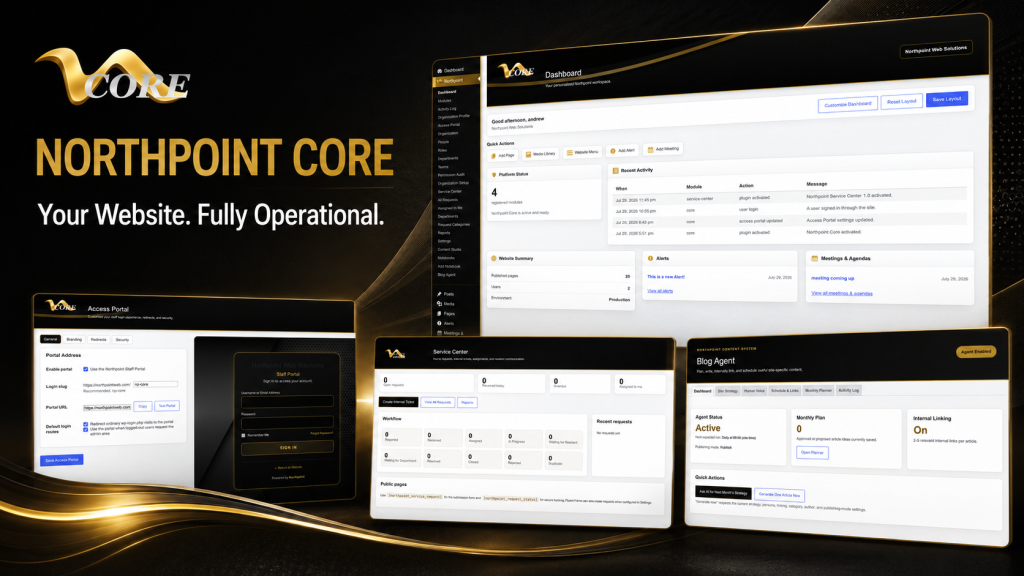
WordPress is flexible and widely supported. Instead of forcing a one-size-fits-all product, consider modular tools that slot into your existing site and address specific needs. Northpoint Core provides a centralized dashboard and a module framework designed to add functionality over time. For example, Northpoint Service Center is designed to accept public requests, assign them to staff, track statuses, and integrate with Fluent Forms for intake—reducing manual tracking and follow-up.
If you need a simpler admin interface, a branded dashboard like Northpoint Admin Studio can make WordPress easier for nontechnical staff by hiding irrelevant options and surfacing the tasks they perform daily.
Forms, request tracking, and workflows
Online forms should capture the minimum required details, generate a reference code for the requester, notify the responsible department, and record internal notes and due dates. That sequence—intake, assignment, status updates, and reporting—keeps requests from slipping through the cracks. When forms integrate with a service center or ticketing module, staff spend less time copying data between email and spreadsheets.
Content strategy for city websites
A clear content plan helps residents find answers without calling. Use these practical steps:
- Create simple how-to pages for frequent tasks: permit steps, utility billing, recreation registration procedures.
- Organize content by department and service rather than by internal office names.
- Maintain a content calendar to keep event, meeting, and seasonal pages current.
Northpoint Content Studio and the Northpoint Blog Agent are designed to help with topic planning, drafting, and scheduling when you want a system that supports organized publishing and internal linking.
Security, backups, and disaster recovery
Small organizations need straightforward, reliable practices: keep WordPress core, themes, and plugins up to date; use role-based accounts rather than sharing logins; enforce strong passwords; and maintain regular backups stored off-site. Managed WordPress hosting makes these tasks easier by including automated backups, update tools, and server-side protections. Planning a recovery process—who restores the site, which backup to use, and where to communicate during an outage—reduces confusion if something goes wrong.
Accessibility and public communication
Municipal websites serve everyone. Focus on clear language, predictable navigation, descriptive link text, and properly structured headings. These practices help people with different abilities and ensure the site works better on mobile devices. Accessibility work can be phased: start with the most visited pages and public documents, then expand improvements across the site.
Local SEO for rural communities
For smaller towns and districts, local search visibility often comes from accurate contact details, consistent service pages, event listings, and properly configured business or agency profiles. Keep addresses, office hours, and department pages consistent across your site and directory listings. Structured content that answers common resident questions will help visitors find the right pages without calling.
Manage access and reduce mistakes
Define roles and permissions so staff have access only to the tools they need. Department-based access control reduces accidental edits and keeps sensitive documents restricted. For many organizations, a simplified dashboard with tailored editing screens is all it takes to reduce errors and speed up routine updates.
Improve incrementally—don’t rebuild unless you must
Large redesigns can be costly and disruptive. Often you can improve a site by reorganizing navigation, adding a service center or form system, moving the most used content into easy-to-edit blocks, and cleaning up broken links. If a migration is needed, plan it in stages: audit, export content, test modules on a staging site, and train staff before switching the public site.
A short historical note
When I started building websites, I learned by reading library books and testing code on early personal servers. That hands-on approach still matters: test changes on a staging site before pushing them live, and keep a rollback plan handy.
How to choose a municipal website provider
Ask prospective providers about practical support for the workflows you need: forms and request tracking, document publishing, staff dashboards, hosting and backups, and phased improvements. Avoid long vendor lock-in and prefer solutions that keep your content portable and under your control. If you’re considering WordPress, check whether the provider can add modules later—so you don’t pay for features you won’t use now.
For more detailed, step-by-step guidance, see our practical guides on municipal website design and our description of the Northpoint Core framework.
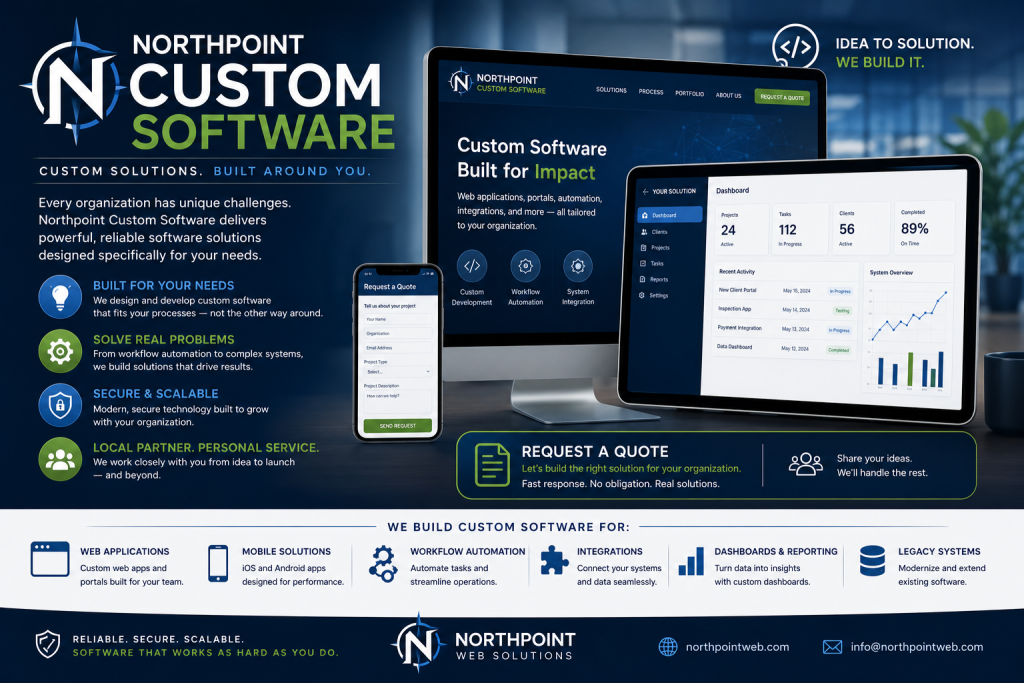
Tell us what is difficult about managing your current website, and we can help identify a practical next step. Request a Northpoint website review to discuss design, maintenance, hosting, accessibility, or administrative needs, or ask for a demonstration of Northpoint Core or one of the available modules. Whether you need a complete website, ongoing support, or one specialized tool, Northpoint can help you plan a solution that fits your organization.