You're probably in one of two spots right now.
Either your startup has real work happening in the field, crews on job sites, trucks moving, phones ringing, and no website that matches the business. Or you have a basic site up, but it feels thin. It doesn't answer the questions serious buyers ask, it doesn't make your company look established, and it definitely isn't helping you hire welders, operators, drivers, or techs.
That's common in industrial and contracting businesses. Founders put their energy into operations first. They should. But once prospects, partners, and job candidates start checking you out online, your website stops being a side project. It becomes the place where people decide whether your company looks real, capable, and worth contacting.
Typical startup advice often emphasizes branding, flashy homepages, and app-style design trends. This approach overlooks the specific needs of contractors, oilfield service companies, trucking businesses, fabrication shops, and industrial startups. In these sectors, audiences demand concrete evidence. They seek information about your operational locations, your services, the individuals leading the company, and your responsiveness post-project commencement.
A strong website design for startups in these industries has two jobs at once. It has to turn strangers into leads, and it has to help recruit the people you need to grow. If it can't do both, it's underbuilt.
Table of Contents
- Your First and Most Important Business Asset
- The Blueprint Your Startup Website Strategy
- Designing for Trust and Action
- Choosing Your Technical Foundation
- Getting Found Foundational SEO and Local Visibility
- Building a Website That Recruits
- The Launch Plan Costs Timelines and Hiring Help
Your First and Most Important Business Asset
A founder in contracting or industrial services usually sees the website after a long list of urgent needs. Trucks need decals. Insurance needs attention. Estimates need to go out. Hiring never stops. Then a prospect checks your site at 9:30 p.m., or a diesel tech looks you up between jobs, and your website becomes the first test of whether this company feels credible enough to contact.
That is why the website should be treated as a business asset, not a branding accessory. Stanford University research on web credibility found that people often judge a company's trustworthiness by its site design and presentation, especially before any direct contact. For a startup without years of local reputation, that judgment happens fast and carries weight.

What founders usually get wrong
The problem is rarely that the site looks terrible. The bigger issue is that it looks complete while failing to support sales, recruiting, or trust.
I see the same pattern in early-stage service businesses. The homepage talks about passion and commitment, but never says what the company does, where it works, what types of jobs it takes, or why a buyer should believe the team can deliver. In labor-tight markets, the same problem shows up on the hiring side. A candidate cannot tell what roles are open, what equipment they will work on, whether the company looks stable, or how to apply from a phone in under two minutes.
A weak startup site usually breaks down in four places:
- Messaging is inward-looking: The copy focuses on the company story instead of customer problems, service lines, and service areas.
- Calls to action are unclear: Visitors do not know whether to request a quote, call now, upload plans, or apply for a job.
- Proof is missing: There are no project photos, crew photos, certifications, equipment shots, testimonials, or signs of active operations.
- The build stops at design: The site may look polished, but it has no clear job in the business and no structure that supports lead flow or hiring.
Founders who want a better handle on the business side of web projects should also read this guide to boosting revenue. It is useful because it shifts the conversation away from taste and toward outcomes.
Why this matters more in contracting and industrial markets
In these industries, buyers are screening for risk. They want to know whether you are insured, responsive, staffed, equipped, and capable of showing up on schedule. Job candidates are doing the same thing from a different angle. They want signs that the company is legitimate, busy, safe, and worth leaving their current employer for.
Your website often has to answer both groups before anyone picks up the phone.
For startups in high-friction markets, that creates a tougher standard than a generic software or ecommerce brand faces. The site needs to show operational reality. That means real service pages, real geography, real photos, real people, and a clear next step for both prospects and applicants. If those pieces are missing, the business can look smaller, newer, or less dependable than it is.
This is also why many founders outgrow a design-only approach. A business site has to support positioning, user flow, search visibility, lead conversion, and recruiting. That is the reason many owners benefit from understanding why your website needs more than just a designer.
A startup website should reduce doubt. When it does, quote requests come in warmer, applicants are more qualified, and the company spends less time overcoming skepticism in every sales and hiring conversation.
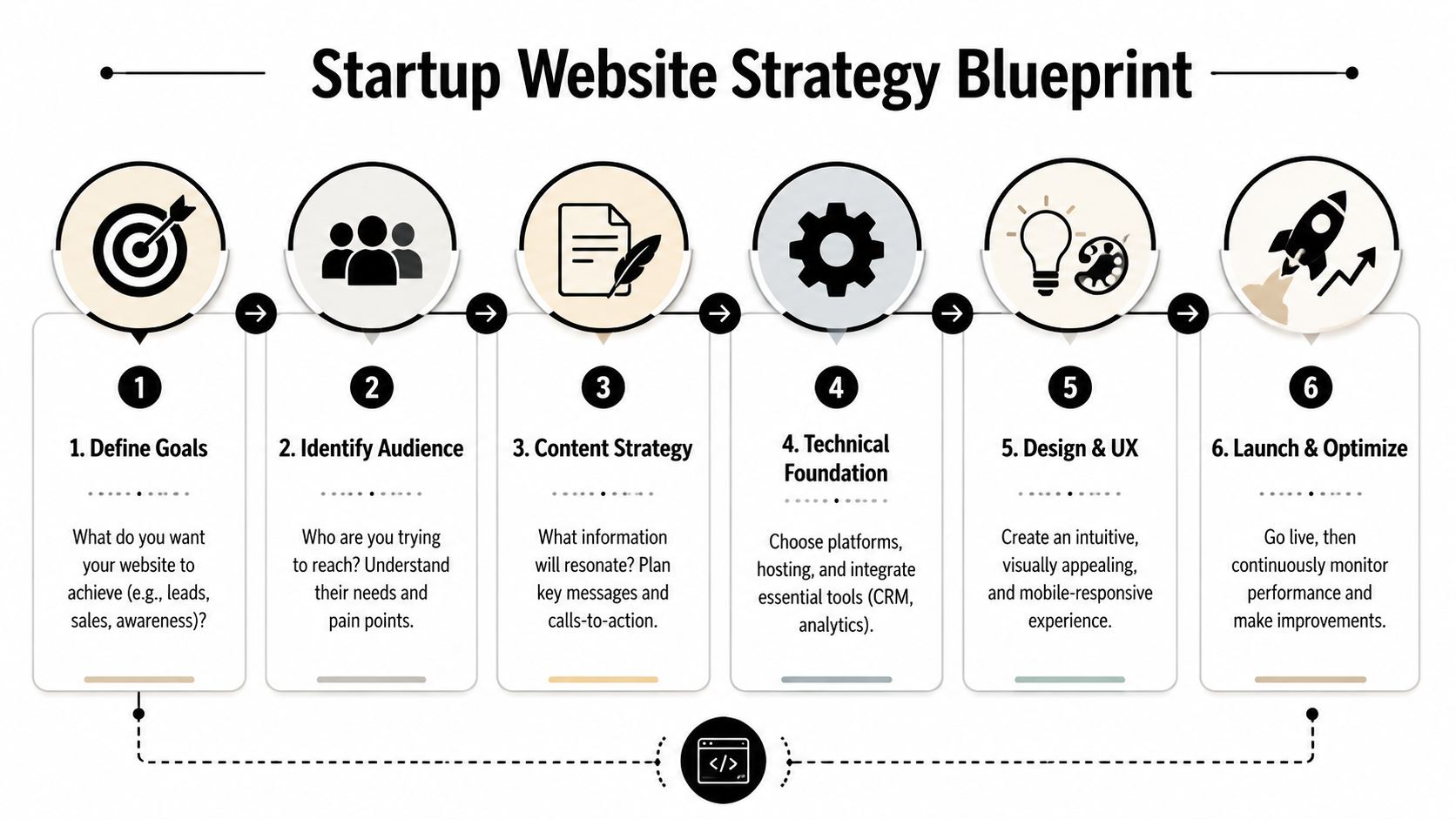
The Blueprint Your Startup Website Strategy
A startup website goes off track long before design starts. It usually happens when nobody makes the hard decisions early.
If your homepage is trying to impress investors, explain technical services, rank in search, generate quote requests, and recruit operators all at once, the result is usually muddled. The better move is to decide what the site must do first, then build around that priority.
Start with the primary business objective
Most startup sites have three possible priorities:
- Lead generation for sales conversations and quote requests
- Recruiting for field staff, drivers, technicians, and office hires
- Credibility for vendors, partners, lenders, and larger customers
You can support all three. But one of them has to lead the structure.
For example, an excavation startup that needs work now should build around service pages, location pages, trust signals, and quote calls to action. A trucking startup struggling to staff trucks may need a stronger careers section, faster mobile applications, and a homepage that speaks to both customers and drivers. A specialized industrial startup may need tighter positioning and stronger proof for procurement teams.
Build the minimum viable website first
The smartest startup websites launch lean. Not cheap. Lean.
A practical workflow is to define the MVP scope first, keep the tech stack and navigation simple, launch with core pages plus analytics, and then test every form, link, and screen size before going live, as outlined in this guidance on affordable web design for startups.
A solid MVP website usually includes:
- Homepage: Clear positioning, top services, service area, and a direct action path.
- Service pages: One page per core service, written for how customers search and evaluate.
- About page: Team, experience, local roots, and why the company exists.
- Contact page: Phone, email, address if appropriate, map or service area, and a simple form.
- Careers page: Open roles, hiring message, and mobile-friendly apply flow if recruiting matters.
- Basic tracking: Analytics and form tracking so you know what's happening after launch.
Define audiences before you write copy
Industrial startups usually have more than one audience, and they don't all want the same information.
A general contractor may care about safety, schedule reliability, and capacity. A plant manager may want proof of technical competence. A CDL driver looking for work wants to know where the routes run, what equipment they'll operate, and how quickly they can apply. If you write one generic message for everyone, nobody feels directly addressed.
One site can serve multiple audiences. It just needs distinct paths instead of one blended message.
A practical content map often looks like this:
| Audience | What they need first | Best page type |
|---|---|---|
| Buyers | Services, proof, contact path | Homepage and service pages |
| Partners | Capability, legitimacy, location | About and contact pages |
| Job candidates | Roles, culture, apply process | Careers and role pages |
Keep navigation boring in the best way
Founders sometimes want clever labels. Don't.
Use familiar words. Services. About. Careers. Contact. If you serve multiple regions or specialties, organize those clearly. Industrial buyers don't want to decode your menu. They want to find answers fast and decide whether to call.
The blueprint phase isn't glamorous, but it prevents expensive rebuilds later. When the strategy is right, design has a job to do. When the strategy is fuzzy, design becomes decoration.
Designing for Trust and Action
In contracting and industrial markets, trust beats trend almost every time.
That doesn't mean your website should look outdated. It means the design needs to make people feel they're dealing with a real operator, not an anonymous startup hiding behind stock photos and polished copy. Buyers in these industries are often evaluating risk as much as service. They're asking whether you'll show up, do the work, communicate clearly, and solve problems when conditions change.

One reason this matters now is broader skepticism toward generic digital experiences. For startups in sectors like contracting or industrial services, website elements that prove operational legitimacy are critical. Only 44% of U.S. adults said they trust companies to use AI responsibly, which is one reason generic sites can increase skepticism unless they show human accountability, real project evidence, and clear contact details, as noted in this article on web design for startups.
Trust signals that actually matter
A lot of websites try to create trust with visual polish alone. That's not enough in a high-friction sale.
What works better is visible proof:
- Real team photos: Office staff, field crews, leadership, dispatch, estimators.
- Actual equipment and project photos: Trucks, rigs, yards, job sites, fabrication work, before-and-after images where appropriate.
- Specific service areas: Towns, counties, regions, and operating footprint.
- Clear contact details: Phone number, email, business address or office location, and who to ask for.
- Capability detail: Certifications, industries served, project types, response process, and what kind of work you take on.
- Human language: Plain wording that sounds like a company with people behind it.
A startup in welding or roustabout services should look operational. A site with abstract graphics and generic language about innovation usually creates distance instead of confidence.
Navigation should reduce uncertainty
Good navigation doesn't just help users move around. It lowers doubt.
If a prospect lands on your site and immediately sees Services, Industries, Service Area, Careers, and Contact, they know where to go. If they see vague menu labels or scattered information, they start working harder than they should. Many won't bother.
For B2B or technical startups, structure matters even more. Buyers and internal stakeholders often evaluate from different angles. The layout has to help both groups find what they need without friction.
If a visitor has to hunt for proof, they often assume the proof isn't there.
A useful way to think about page order is this: answer the buyer's first question first. What do you do. Where do you do it. Who have you done it for. How do I reach you. What happens next.
Calls to action need to fit the job
Not every visitor is ready for the same step. That's why industrial startup sites often need more than one call to action.
Some examples that work:
- For leads: Request a quote, schedule a call, send project details
- For urgent work: Call now, speak with dispatch, request field response
- For recruiting: Apply now, view open positions, talk to our hiring team
The design should make those paths obvious without turning every page into a wall of buttons. This is especially important with forms. If your quote request or job application is awkward on mobile, people drop off. These form UX principles are a useful reference for keeping forms clear, short, and easier to complete.
A short visual example helps here:
What doesn't work
Some patterns consistently hurt startup sites in industrial spaces:
| Weak choice | Why it fails |
|---|---|
| Generic stock imagery | It removes the human and operational proof visitors are looking for |
| Long mission statements above the fold | Buyers want service clarity first |
| Hidden phone numbers | It adds friction when people want fast contact |
| Overdesigned animations | They distract from trust and can slow the site |
| One broad contact form for everything | Leads and job applicants usually need different paths |
The strongest design choice is usually the plainest one. Show the work. Show the people. Show the service area. Give visitors a direct action to take. That's what earns trust.
Choosing Your Technical Foundation
The platform decision shapes far more than launch day. It affects how easy the site is to update, how well it scales, how flexible your SEO setup can be, and whether future features become simple additions or expensive workarounds.
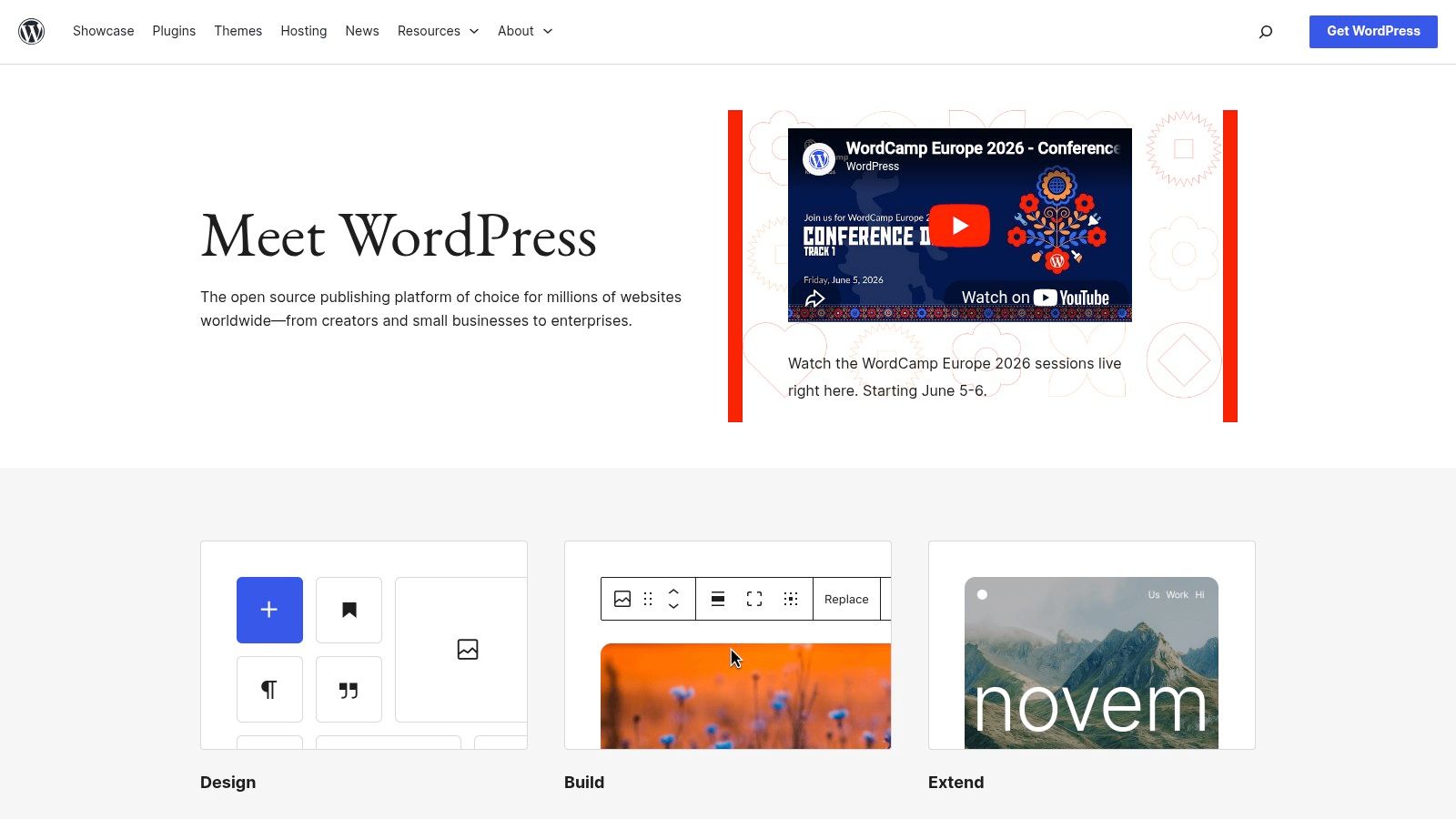
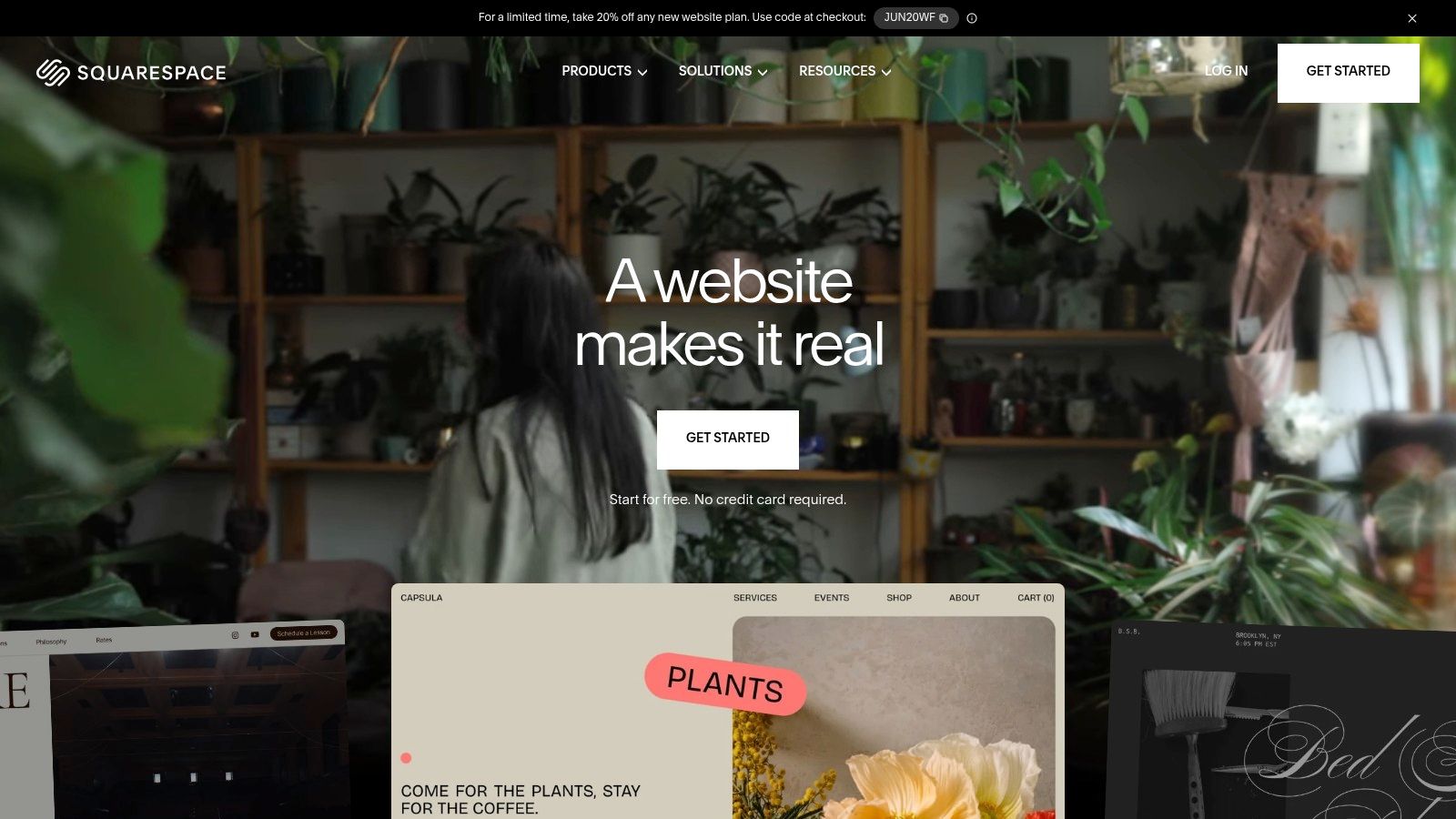
For most startups, the comparison comes down to WordPress on self-hosted infrastructure versus website builders like Wix or Squarespace. Shopify belongs in the conversation if you're selling products directly, but most contractors and industrial startups are choosing between the first two paths.
The simple version of the decision
If you need to get online fast with a modest site and limited complexity, a builder can work.
If you expect the site to grow into service-area pages, recruiting flows, SEO content, integrations, lead routing, and custom functionality, WordPress usually gives you more room to operate. That flexibility matters more than founders realize at the start.
Here's the side-by-side view.
| Factor | WordPress (Self-Hosted) | Website Builders (Wix, Squarespace) |
|---|---|---|
| Setup speed | Slower at the beginning | Faster to launch |
| Design flexibility | High | Moderate |
| Custom features | Strong support for custom builds and integrations | More limited |
| SEO control | Broad control over structure and content setup | Often simpler, but with less flexibility |
| Content scaling | Better for larger content footprints | Fine for smaller sites |
| Ownership and portability | Greater control | More tied to platform rules |
| Ongoing maintenance | Requires active management | Platform handles more of it |
| Best fit | Growth-focused businesses with evolving needs | Simpler brochure-style sites |
When builders make sense
Builders are attractive for obvious reasons. They're easier for nontechnical teams, they package hosting and editing together, and they remove some maintenance burden.
That can be a rational choice when:
- You need a short site fast: A home, about, contact, and a few service pages.
- You won't need custom workflows soon: No recruiting portal, no advanced CRM behavior, no unusual lead routing.
- Your internal team will edit everything: And they want the simplest possible interface.
- You're validating the business: And need basic presence before investing further.
A builder is often enough for an early-stage company that needs a clean online presence and has no near-term plans for aggressive SEO expansion.
When WordPress is usually the better fit
Industrial and contracting startups often outgrow simple builders faster than expected. That's especially true when the website becomes part of operations, not just marketing.
WordPress usually fits better when you need:
- Detailed service and location content
- Flexible lead forms and CRM integration
- A careers section with role-specific pages
- Content marketing and SEO growth
- Control over site structure and future development
That doesn't mean WordPress is automatically right. It means founders should think beyond launch. A platform that feels easy in month one can feel restrictive once the business needs the site to do more.
Pick the platform for the business you're building, not just the site you can launch this month.
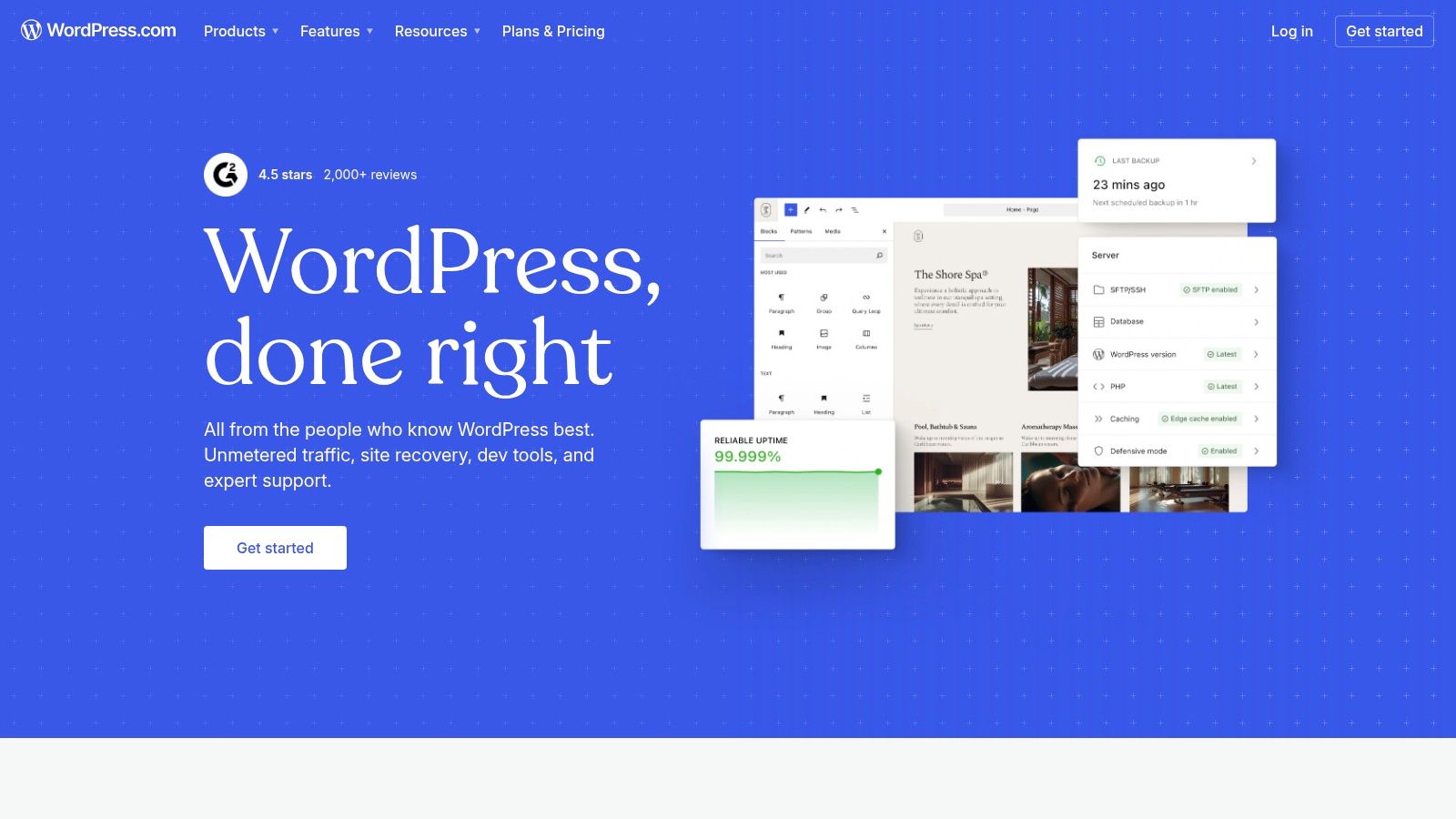
There's also the practical issue of who will manage it. Some companies want a fully managed setup from an agency or partner. Others want internal control. Some use a provider like WordPress.com, a local web partner, or a service firm such as Northpoint Web for build and maintenance, depending on how much support they want after launch.
If you're weighing platforms for a service business, this breakdown of small business website platforms is a useful next read.
The cost of the wrong technical choice
The biggest risk isn't that you choose a “bad” platform. It's that you choose one that doesn't match your operating model.
A startup that needs to rank in multiple service areas, publish useful content, recruit staff, and integrate forms into internal workflows will usually want flexibility. A startup with a narrow service set and low update volume may value simplicity more.
The right technical foundation should let you add pages, adjust offers, support recruiting, and improve search visibility without rebuilding the whole thing later. That's the defining standard.
Getting Found Foundational SEO and Local Visibility
A good-looking website that nobody finds won't move the business. For startups, especially local and regional service companies, foundational SEO is what turns a website from an online brochure into an acquisition channel.
The key point is simple. SEO for a startup doesn't start with tricks. It starts with structure.
For technical or B2B startup sites, a user-research-led structure is recommended. That includes mapping distinct user journeys and using semantic HTML for SEO and accessibility, which are core tenets of foundational SEO, as described in this piece on tech website design examples.
Start with the pages people are actually searching for
Many startup sites launch with one broad services page. That's rarely enough.
If you're an excavation contractor, drilling service, trucking company, or fabrication shop, your website should reflect the actual ways customers search and compare. That usually means separate pages for core services, and often separate pages for key service areas if geography matters to the business.
A practical structure might include:
- Core service pages: One page per major offering
- Industry pages: If you serve different customer types with distinct needs
- Location pages: If your service area is regional and search intent is local
- Contact and quote pages: Built for action, not filler
Use language your customers use
Founders know their industry vocabulary. Buyers don't always use it the same way.
An internal label like “integrated field support solutions” may sound polished in a meeting. It's much less useful than plain language such as hydrovac services, roustabout crews, excavation, welding repair, heavy haul transport, or pipeline support if that's what your market says.
Good startup SEO copy does three things at once:
- It names the service clearly
- It answers practical questions fast
- It leads toward contact
That's true on the homepage, but it matters even more on service pages. The best pages help a prospect confirm fit without forcing them to call just to understand what you do.
Local visibility often starts with your business profile, not your homepage
For local and regional startups, your Google Business Profile can be one of the fastest ways to gain visibility with nearby searchers. That's especially true for contractors, trucking companies, and service businesses that depend on map-based searches and direct calls.
Make sure your profile matches the business you're operating:
- Business name: Use the official operating name consistently
- Categories: Choose categories that reflect core services
- Service area: Define the area you serve as accurately as possible
- Photos: Add authentic team, equipment, office, yard, and project images
- Contact details: Keep phone and business information current
- Website link: Send people to the most relevant page, not just by default to the homepage if a service page fits better
Search visibility improves when the site structure and local business information support each other instead of pulling in different directions.
Don't skip the basics that make SEO work later
A lot of startup owners want to jump straight to blog topics and ranking ambitions. That's fine, but only after the foundation is in place.
Check these first:
| SEO foundation | Why it matters |
|---|---|
| Clear page hierarchy | Helps users and search engines understand the site |
| Descriptive page titles | Supports relevance and click decisions |
| Internal linking | Connects related pages and improves navigation |
| Semantic HTML | Supports accessibility and crawl clarity |
| Useful page copy | Gives each page a reason to rank |
| Mobile usability | Supports real-world use and lead flow |
Foundational SEO isn't flashy. It's disciplined. The companies that win in local and industrial search are usually the ones that make it easy for search engines and buyers to understand exactly who they help, where they work, and what action to take next.
Building a Website That Recruits
Most founders still think of the website as a sales tool first. In a tight labor market, that's incomplete.
If you need CDL drivers, operators, welders, laborers, mechanics, or technicians, your website should function like a recruiting asset every day. It should help candidates discover you, understand the kind of company you are, and apply without jumping through hoops. Generic startup content rarely addresses that well, even though the hiring pressure is often as urgent as the sales pressure.
A major underserved angle in website design for startups is recruiting. With 68% of job seekers using mobile devices, but only 58% of job postings being mobile-friendly, a startup's website needs candidate-facing pages and fast-loading, mobile-friendly apply flows, according to this article on why good web design for startups matters.

Why a careers page matters more than founders expect
A lot of startup sites bury hiring in a footer link or an email address. That's a mistake.
Candidates evaluate your business the same way customers do. They want to know whether the company looks stable, whether the work sounds legitimate, and whether applying will be worth the effort. If the website feels outdated or thin, strong candidates may assume your operation is disorganized before they ever talk to you.
A good careers section should do more than list openings. It should answer practical questions:
- What kind of work do you do
- Where do employees work
- What kinds of roles are you hiring for
- What's the company environment like
- How quickly can someone apply from a phone
Build for job seekers on the move
Industrial and trade candidates often aren't sitting at a desk with time to fill out long forms. They're on a lunch break, in a truck, between jobs, or looking after hours from a phone.
That changes what a good apply flow looks like.
The strongest recruiting websites usually include:
- Short mobile-first forms: Name, contact info, relevant experience, certifications or license notes, and resume upload if available
- Role-specific pages: Driver roles, operator roles, welders, laborers, mechanics, office support
- Clear work details: Schedule expectations, travel expectations, service area, and equipment or work type
- Fast contact options: Apply now, call to ask about a role, or start the conversation by text if your process supports it
A recruiting page should remove hesitation, not add paperwork.
Sell the company honestly
Founders sometimes avoid talking about culture because they think it sounds soft. For hiring, it matters.
That doesn't mean generic language about being a family. It means being concrete. Talk about steady work, local projects, growth opportunities, field conditions, team standards, safety expectations, and what kind of person succeeds in the company.
For an industrial startup, recruiting content should feel grounded. Examples help:
| Weak recruiting copy | Stronger recruiting copy |
|---|---|
| Join our dynamic team | Work on excavation and utility projects across our service area |
| Competitive environment | Clear expectations, steady workload, and direct communication from supervisors |
| Growth opportunities | Room to move into lead, specialty, or equipment-based roles as the company grows |
Keep sales and recruiting from competing with each other
One concern founders have is whether recruiting content distracts from lead generation. Usually it doesn't, if the structure is handled correctly.
The answer is separation, not suppression. Your primary navigation can support both business goals without confusing either audience. Buyers should have a direct path to services and quotes. Candidates should have a clear path to careers and applications. The homepage can acknowledge both, but the deeper pages should stay focused.
A startup website that helps you win work but can't help you staff that work is incomplete. For contractors and industrial businesses, recruiting isn't secondary. It's part of capacity.
The Launch Plan Costs Timelines and Hiring Help
A startup in contracting or industrial services usually feels the pressure at launch from two sides at once. Sales needs the site to start generating quote requests. Operations needs it to look credible enough that a plant manager, GC, or municipal buyer does not hesitate. In a tight labor market, the same site may also need to help bring in operators, techs, drivers, or field labor.
That pressure is why launch planning matters. A website that goes live half-finished often creates more cleanup work than momentum.
Budget conversations go better when founders understand what they are buying. The number is not just for design files and a homepage. It usually covers strategy, page planning, writing support, design, development, technical setup, and launch review. For founders used to website builders, that can feel expensive. In practice, the true cost comes from getting the structure right early so the site can support leads, recruiting, and local visibility without a rebuild three months later.
What the budget usually covers
A professional startup site often includes work that is easy to miss during early planning:
- Discovery and scoping: Clarifying services, priority audiences, goals, and calls to action
- Site architecture: Deciding which pages are needed and how buyers and job candidates move through them
- Content planning: Organizing messaging, proof points, service details, and conversion paths
- Design and development: Building the site, templates, forms, and mobile layouts
- Technical setup: Analytics, basic SEO settings, performance work, and security basics
- Launch review: Checking forms, links, devices, page consistency, and indexing settings
Scope grows fast when the site has to do more than look respectable. A contractor that needs service pages, location pages, a careers section, and job application handling is building a more useful asset than a five-page brochure. It should be scoped that way from the start.
A realistic timeline without pretending every project is the same
The biggest delays usually come from decisions, not code.
If the founder is still changing service lines, has no project photos, or has not agreed internally on what jobs to recruit for, the timeline stretches. If those inputs are ready, the build moves much faster. In my experience, the cleanest launches happen when one person on the client side owns approvals and gets feedback back quickly.
A practical launch rhythm usually looks like this:
| Phase | What happens |
|---|---|
| Discovery | Goals, audiences, site map, platform choice |
| Content planning | Messaging, page priorities, calls to action |
| Design | Layout direction, homepage and key page design |
| Development | Build, responsiveness, forms, tracking |
| QA | Review links, forms, page rendering, devices |
| Launch | Final checks, publishing, post-launch monitoring |
That sequence matters because each phase affects the next. If a startup skips content planning and tries to solve everything in design, the site often looks polished but says very little.
Pre-launch checks that should never be skipped
Launch day should not be the first real test.
Before publishing, verify:
- Every form works: Quote forms, contact forms, careers forms
- Every link resolves correctly: Buttons, menus, footer links, document links
- Mobile pages are usable: Navigation, tap targets, form fields, and page speed
- Core pages are complete: No placeholder copy, missing images, or unfinished sections
- Tracking is active: Analytics and key conversion events
- Local details are consistent: Phone, address, service area, and contact information
A separate review for essential SEO for new websites is also worth doing before launch. It helps catch missed basics like indexing settings, metadata, redirects, and page-level details that do not show up in a visual review.
DIY or hire help
Some startups should build the first version themselves. That makes sense when the site is temporary, the offer is still changing, and the business only needs a credible placeholder while it proves demand.
Hiring help makes more sense when the website has to support several jobs at once. That is common in industrial and contracting startups. The site may need to explain technical services clearly, rank in a local market, convert visitors into calls, and give job seekers a reason to apply. That kind of build usually benefits from tighter planning and stronger execution.
A simple way to decide:
- DIY if: You need a first version quickly and can live with limits
- Hire a freelancer if: The scope is modest and you already know what the site needs to say
- Hire a web partner if: The site needs strategy, content structure, technical execution, and alignment with sales and hiring goals
If you want a clearer picture of scope before making that call, this breakdown of what's really included in a $7,500 website build gives a practical explanation.
A startup website succeeds when it helps the business win trust, generate qualified inquiries, and support hiring capacity. For firms in the trades and industrial services, those outcomes are tied together. If the site helps you win work but not staff it, the launch solved only half the problem.
If you need a website that helps your startup win trust, generate leads, and recruit employees in a competitive market, Northpoint Web builds practical websites for contractors, oilfield service companies, trucking businesses, and industrial firms that need more than a digital brochure.