Hi — I’m Andrew North. I still remember messing with dial-up BBS menus and learning HTML from library books. That same curiosity shapes how I approach municipal websites today: practical, hands-on, and focused on making technology do the work so staff don’t have to.
Why municipal websites need to be more than brochureware
Small cities and special districts often use their websites as nothing more than an online phone book. That’s fine for basic information, but it doesn’t help when residents need to report a pothole, sign up for recreation classes, or find the latest meeting packet. A website that actively helps residents and automates routine tasks reduces phone calls, avoids duplicated work, and gives staff time back for higher-value work.
Key capabilities to prioritize
1. Easier administration for nontechnical staff
Make common tasks simple: editing department pages, posting public notices, or updating hours should not require a developer. Tools that provide a branded, simplified dashboard, custom roles, and department-based access control keep things tidy and safe for small teams.
2. Public service requests and workflow
Residents expect to submit requests online and get status updates. A request-tracking system should support categories, staff assignment, internal notes, due dates, requester communication, and reporting. Integrations with modern form builders like Fluent Forms are useful because they let you build and adjust forms without code while keeping submissions routed into your workflows.
3. Content strategy and navigation
Organize content by user tasks, not internal departments. Think: “Pay a bill,” “Report a problem,” “Find meeting minutes.” Improve internal linking and maintain a content calendar so public pages stay accurate and helpful. Tools that separate working content from published content make multi-staff editing safer.
4. Accessibility and clear public communication
Accessibility is about reaching more residents and reducing barriers. Make pages readable, keep forms simple, and provide multiple ways for people to access the same information (downloadable agendas, plain-text notices, and short summaries for critical alerts).
5. Backups, disaster recovery, and managed hosting
Reliable backups and a tested recovery plan are essential. Managed WordPress hosting removes many operational headaches: automated updates, routine backups, and a restore path that doesn’t require pulling an all-nighter. That’s especially important for small teams with limited IT support.
6. Security for small organizations
Security for a municipal site should be sensible: keep WordPress and plugins updated, use strong administrative roles and two-factor authentication where possible, and run periodic backups. Avoid scare tactics; focus on practical, repeatable measures staff can follow.
Practical steps to modernize without a full rebuild
A complete redesign isn’t always necessary. Here’s a phased approach that works for small governments and districts.
Phase 1 — Inventory and quick wins
- List public-facing pages and forms that receive the most traffic or calls.
- Identify outdated documents and create a simple schedule to update them.
- Fix navigation so visitors find common tasks in two clicks.
Phase 2 — Add practical admin tools
Introduce small tools that reduce friction: a simplified admin dashboard, department-based editing permissions, and a dedicated content workspace so staff can draft and collaborate without affecting the live site. These changes usually don’t require replacing the public theme.
Phase 3 — Automate requests and forms
Implement online forms for permits, work orders, and recreation registration. Route submissions into a request center with assignment, status updates, and reporting. Integrations with Fluent Forms or similar builders let you adjust forms without code and keep staff workflows intact.
Phase 4 — Host, backup, repeat
Move to managed WordPress hosting if you haven’t already. Ensure regular off-site backups and a tested recovery routine. Schedule maintenance windows for plugin and core updates, and document the restore steps so someone else can follow them if needed.
Questions to ask prospective vendors
When you evaluate providers, focus on practical outcomes. Ask:
- How will you make everyday content edits simpler for nontechnical staff?
- Can you show examples of admin dashboards or role setups you’ve used for cities or districts?
- How do you handle backups and disaster recovery? Who performs restores?
- Will the solution integrate with our current forms or other systems (utility billing, recreation software)?
- Who will own the content and data, and how portable is the site if we change vendors?
Tools and modules that match municipal needs
Some WordPress tools are purpose-built for civic websites and municipal workflows. Look for modular systems that can be added over time rather than requiring a single, monolithic platform. For organizations ready to move beyond basic publishing, frameworks that centralize administration and provide dedicated modules for content, requests, and notifications can save time.
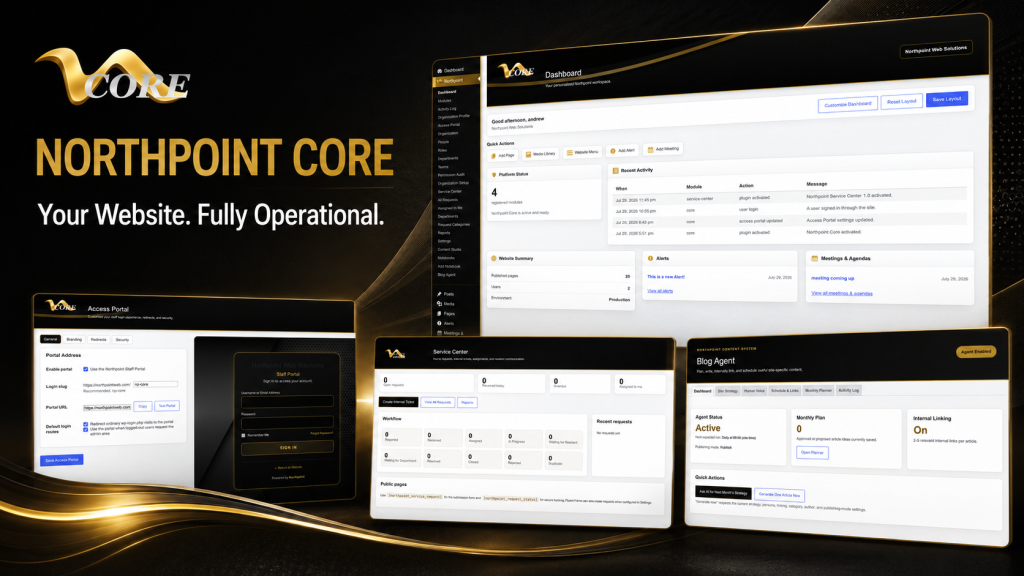
If you want to explore a module-based approach that turns WordPress into a more functional operating system, see the overview of Northpoint Core. For request management that supports categories, assignment, internal notes, requester communication, and form integrations, see the description of the Northpoint Service Center. For modern municipal forms and workflows, review Formularios Cívicos de Northpoint. For a practical, hands-on guide to municipal website design and easier administration, this article is a good place to start: Practical Guide to Municipal Website Design.
How to manage updates with limited staff
Designate page owners, keep content brief and task-focused, and use recurring calendar reminders for critical updates (budgets, meeting agendas, utility deadlines). Automate notifications for incoming requests and let the system handle routine confirmations so staff answer only the exceptions.
One small historical note: the early web rewarded people who learned by doing. I still believe that approach works best for municipal sites — start small, test, and expand what helps your staff most.
Final thoughts
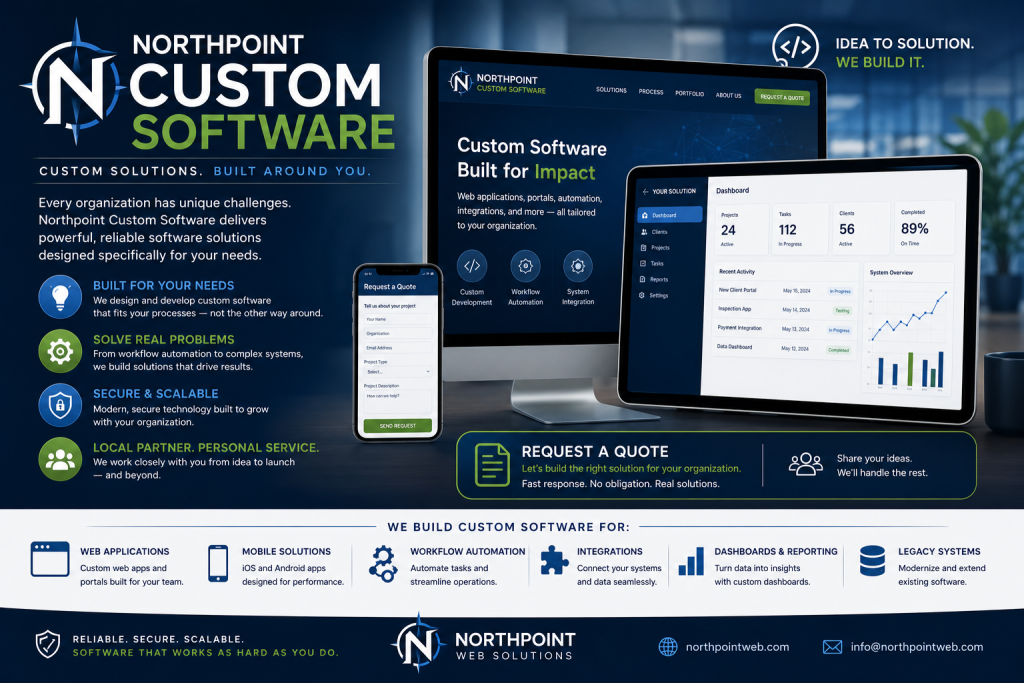
A website should do more than stay online 24 hours a day. It should be working for your organization 24 hours a day: answering common questions, collecting requests, and organizing information so staff can focus on serving the community. If you’d like a review of your current site or a conversation about practical improvements, tell us what is difficult about managing your current website, and we can help identify a practical next step.
Request a Northpoint website review to discuss design, maintenance, hosting, accessibility, content, or administrative needs. Need a better way to manage public requests, content, staff access, or website updates? Let’s talk about the tools your organization actually needs.