Hi — I’m Andrew North. I grew up fascinated by bulletin board systems and the early web, and I still believe a municipal website should do more than sit online: it should actively work for your staff and residents 24 hours a day. This article lays out practical steps small cities, special districts, and rural municipalities can take to make their WordPress sites more useful, easier to manage, and less dependent on a single vendor.
Start with a clear problem list
Before budgeting for a redesign, gather a short list of real problems. Ask staff and a few residents these focused questions:
- What tasks take staff more time than they should (posting meeting minutes, routing permit requests, updating department pages)?
- Which pages are hard for residents to find?
- What workflows are still paper-based and could use online forms and assignment tracking?
These answers help you prioritize improvements that reduce staff workload and improve public service.
Prefer modular fixes over full rebuilds
Rebuilding a whole site is expensive and disruptive. For many municipalities you can keep the public-facing site and add administrative tools that fit into WordPress. Modular systems let you add functionality one step at a time: a better content workflow here, a service-request system there, then improved staff dashboards.
If you want a concise starting point for practical modernization, see this guide to easing municipal website administration for small cities and special districts: Practical Steps for Modern Municipal Websites.
Key features that actually help municipal staff
When evaluating solutions, focus on tools that reduce repetitive work and centralize control:
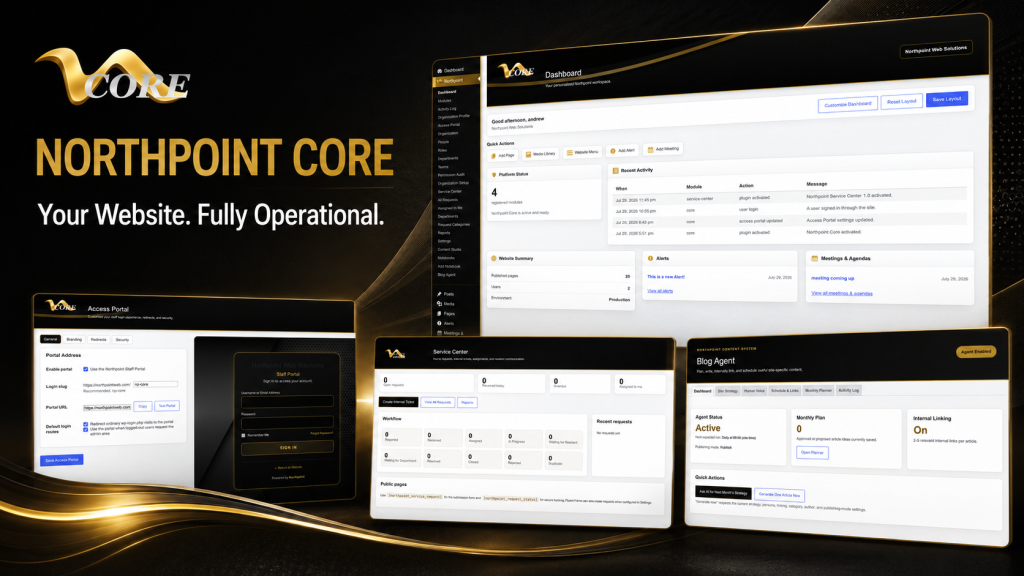
- Structured content tools so department pages, event listings, and service descriptions are easy to edit and consistently presented. Northpoint Content Studio is designed to provide a dedicated environment for content work and publishing.
- Service request and tracking — a public form, automatic request codes, staff assignment, status updates, and requester notifications. Northpoint Service Center supports these workflows and integrates with Fluent Forms.
- Role- and department-based access so clerks, public works, and recreation staff each see only the tools and pages they need. That reduces mistakes and speeds up updates.
- Branded, simplified dashboards for non-technical users so staff don’t have to learn the full WordPress admin. Northpoint Admin Studio is designed to transform the standard dashboard into an easier interface for your team.
Forms and workflow: practical notes
Online forms replace paper when they’re tied to internal workflows. Integrations with Fluent Forms or similar plugins let you:
- Capture structured data (addresses, parcel numbers, permit types).
- Automatically create a tracking code for each submission.
- Assign requests to a department or staff member and set due dates.
- Send status updates to the requester and keep internal notes attached to the request.
Design forms around the actual workflow — not just the information you want to collect. Make the backend routing automatic where reasonable.
Accessibility, security, and hosting basics
Small organizations often juggle many responsibilities. Managed WordPress hosting and a regular maintenance plan reduce risk by keeping backups current, WordPress and plugins up to date, and basic security measures in place. Backups and a tested disaster-recovery plan mean you can recover quickly if something goes wrong.
Accessibility improvements make sites usable for more residents and simplify compliance work. Focus first on clear structure, readable content, keyboard navigation, and properly labeled forms — those changes often deliver the most benefit for the least cost.
Local SEO and content strategy that serves residents
Local search helps residents find utility billing, meeting agendas, parks, and permit information. Practical steps include:
- Organizing content so each service or department has a dedicated page with clear contact and hours.
- Using a content calendar to publish routine items (meeting agendas, minutes, notice updates) on a predictable schedule.
- Linking internally between related pages (permit forms → fee schedules → contact person) to help visitors and search engines understand relationships.
Content planning tools like Northpoint Blog Agent are designed to help with topic planning, internal linking, and scheduled publishing for blogs and news sections.
How to choose a municipal website provider
Ask focused questions before you sign anything. Useful questions include:
- Can you keep our existing public site while adding admin tools? (If yes, ask how updates will be staged and tested.)
- How do you manage backups and disaster recovery?
- Who will train our staff, and what documentation will we receive?
- How are roles and permissions handled, and can we restrict access by department?
- Will we own the website content and data, and how portable is the setup?
A good provider will give clear, practical answers and outline incremental options so you don’t have to replace everything at once.
Preparing for a website project with limited staff
Small teams succeed when projects are broken into digestible steps. Start by collecting existing content in one place, identify high-priority pages, and assign a single staff member as the project lead. Use simple templates for recurring content (events, council minutes, permit instructions) so contributors know what to provide.
Automate repetitive tasks where you can: scheduled backups, automated status emails for service requests, and a single content-review workflow. These small automations free staff time for higher-value work.
Closing thoughts and a short tech history note
Back in the BBS and dial-up era, I learned early that systems that do routine work reliably free people to do the work that really matters. The same principle applies to municipal websites: stop treating the site as just a place to publish information and start treating it as a working tool for staff and residents.
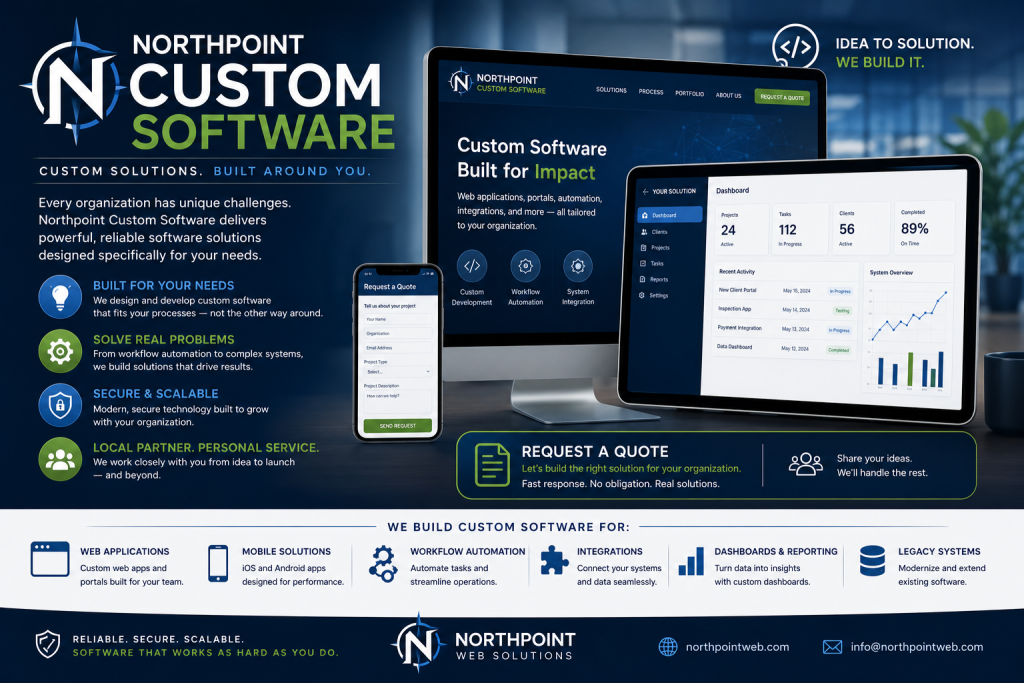
If you’d like practical advice for your city, district, or small organization, tell us what’s difficult about managing your current website and we can identify a practical next step. Request a Northpoint website review to discuss design, maintenance, hosting, accessibility, content, or administrative needs, or ask for a demonstration of Northpoint Core and related tools. Whether you need a complete website, ongoing support, or one specialized tool, Northpoint can help plan a solution that fits your organization.
Northpoint Core | Northpoint Service Center | Northpoint Content Studio | Northpoint Admin Studio