Hi — I’m Andrew North. I learned to tinker with computers back when bulletin board systems still required a dial tone and patience. That curiosity led me into websites, hosting, and eventually building tools to help cities, special districts, and small organizations get more value from their sites. When WordPress launched in 2003 it changed how governments and communities publish online; today the same platform can also power administrative workflows, forms, and service tracking without needing an enterprise vendor.
Why municipalities need easier website administration
Small cities and special service districts often have limited staff, mixed technical skills, and a steady stream of routine requests: permit forms, meeting minutes, public notices, or service complaints. A municipal website should reduce work, not add to it. Easier administration means staff can update content, publish agendas, and respond to residents without a developer every time.
What “easier” looks like
Concrete improvements include departmental permissions so each office manages its own pages, structured content tools that prevent broken navigation, form systems that turn submissions into trackable tasks, and a simple dashboard that highlights pending updates. These features keep the website working for your organization 24 hours a day, rather than simply being an online brochure.
Priority features for municipal WordPress sites
When planning a municipal website or upgrade, prioritize work that reduces repetitive tasks and improves public service.
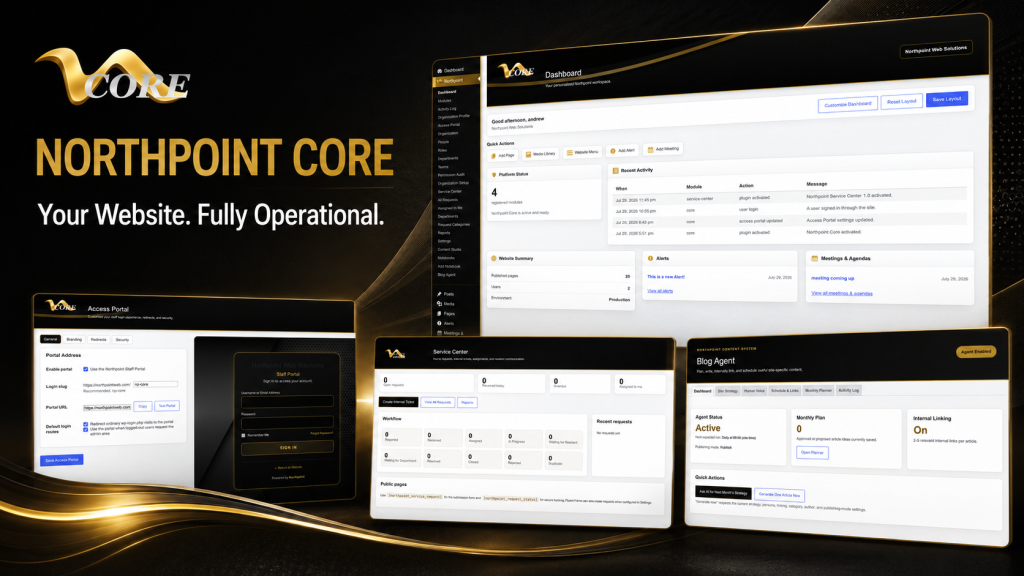
- Public service request tracking: Allow residents to submit issues and receive an automated tracking code. Trackers that assign requests to staff, record internal notes, and send updates cut phone calls and duplicated effort. Northpoint Service Center supports these kinds of workflows and integrates with Fluent Forms for submissions.
- Online forms and integrations: Replace paper forms with structured web forms. Integrations to email, internal ticketing, and reporting are essential so submissions don’t vanish into inboxes.
- Roles and department-based access: Grant staff access only to the pages and tools their role requires. Departmental permissions reduce mistakes and keep content ownership clear.
- Meeting agendas, minutes, and public documents: A predictable, searchable area for agendas and minutes saves residents time and reduces requests for copies.
- Municipal code and ordinances: Publishing codes in a searchable, easy-to-update format helps transparency and cuts administrative friction. Northpoint Municipal Code is designed to publish and host codes within WordPress.
- Accessibility and clear navigation: Structure content so visitors find answers quickly. Accessibility improvements benefit all users and reduce follow-up questions.
- Managed hosting, backups, and disaster recovery: Reliable backups, off-site storage, and tested recovery procedures reduce downtime after an issue. Managed hosting takes routine maintenance off your plate.
Modernize without starting from scratch
Full website rebuilds are costly and time-consuming. You can often improve most municipal sites by adding modules and cleaning up content.
Start with a small pilot: add a service-request workflow, organize department pages, or install a structured content tool. Northpoint Core provides a centralized admin framework that can be expanded with modules, letting you add capabilities over time without replacing the public site or losing existing content.
Practical content strategy for city sites
Good content planning prevents frantic updates. Maintain a short content calendar for recurring items (minutes, agendas, notices), and create templates for common page types—department pages, utility billing, or recreation programs. Tools like Northpoint Content Studio help teams draft, schedule, and link articles so the site remains useful and internally consistent.
Internal linking and discoverability
Organize pages around tasks residents perform: “Report a pothole,” “Pay utility bill,” or “Find meeting minutes.” Internal links between those pages and a searchable FAQ reduce phone volume. Northpoint Blog Agent can assist with topic planning and internal link suggestions to strengthen discoverability.
How to choose a municipal website provider
Ask providers these practical questions before signing up:
- Can you show examples of municipal workflows you’ve implemented (not testimonials or claims of rankings)?
- How do you handle backups and disaster recovery? Who owns the content and code?
- What permissions and roles will our staff have for content and forms?
- Can you integrate with our existing systems or add modules over time?
- What training and documentation will staff receive?
Good answers focus on portability, clear ownership, and predictable operational costs rather than marketing promises.
Preparing for a website project with limited staff
Small teams can still achieve big improvements. Start with a short inventory: list the pages residents visit most, the forms you use, and the documents that get requested often. Prioritize automation for the most repetitive tasks first. Organized input from staff—page owners, recurring documents, and a single point of contact—will speed any project.
How custom software reduces repetitive administration
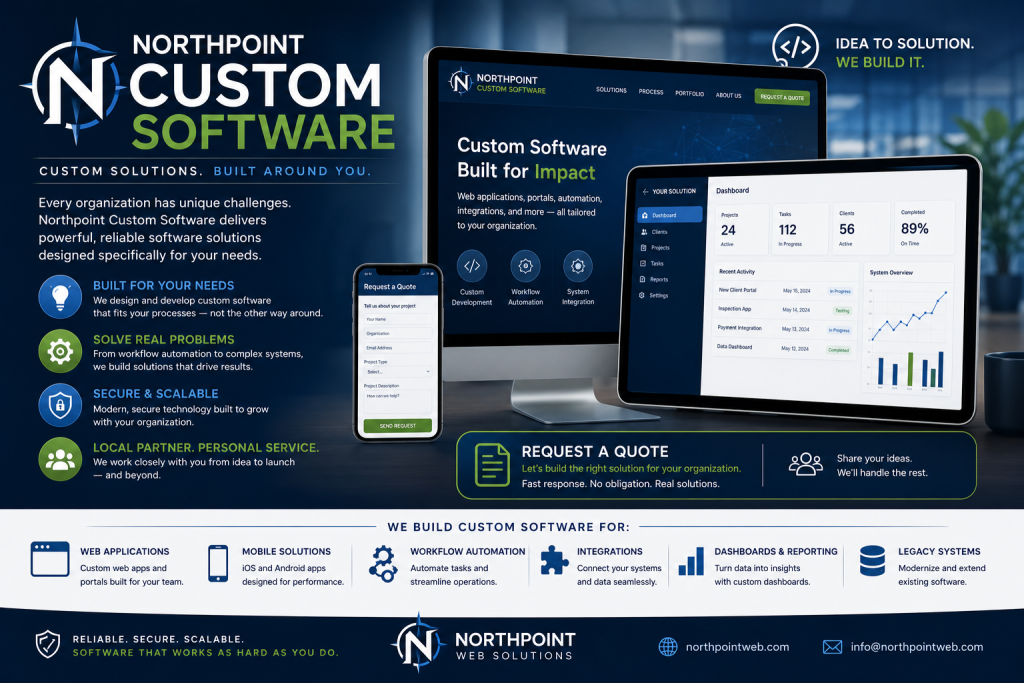
Custom plugins and modular tools remove friction. For example, an admin dashboard tailored to your organization highlights pending approvals and recent submissions, while structured content tools prevent navigation errors. Northpoint develops modular WordPress software built to operate within your existing site so you don’t need to migrate unless you want to.
Final thoughts and one small history note
I still remember loading bulletin board pages over a noisy dial-up connection and being amazed that text and files could travel that way. The web has come a long way, and municipal websites can now be useful systems rather than static pages. A site that handles public requests, publishes accurate documents, and gives staff straightforward editing tools will save time and improve service.
Tell us what is difficult about managing your current website, and we can help identify a practical next step. Request a Northpoint website review to discuss design, maintenance, hosting, accessibility, or administrative needs. Whether you need a complete rebuild, a few targeted modules, or better processes for limited staff, Northpoint can help plan a solution that fits your organization.
Learn more about practical municipal solutions: