Etiqueta: municipal

  • AI for Municipal Websites: Practical Integrations That Improve Resident Services (Not Hype)

    AI for Municipal Websites: Practical Integrations That Improve Resident Services (Not Hype)

    Hi—Andrew North here. Before the web was fancy, I fed a dial-up BBS from a basement PC and learned early that software’s job is to reduce friction. That same principle applies to municipal websites today: if your site can shoulder routine work, your staff can focus on exceptions. This article lays out practical, low-risk ways to add AI to municipal WordPress websites—features that improve resident service without creating governance headaches.

    Start with problems, not buzzwords

    Ask: what repeatable task takes staff time or frustrates residents? Typical candidates are finding the right page, routing service requests, drafting replies, and making audio/video accessible. Once you pick a clear problem, you can match a modest AI feature to it. Below are four proven, pragmatic integrations and step-by-step implementation guidance.

    1. Intelligent site search (better answers, fewer calls)

    Why it helps: Residents rarely use municipal navigation the way staff expect. An AI-powered search can interpret questions (“how do I get a building permit?”) and return the right form, FAQ, or code section.

    How to implement:

    • Index structured content first: agendas, code, permits, forms, and FAQs. Structured content yields reliable results.
    • Use an on-site model or a hosted vector-search service that lets you control the index and logs. Avoid sending raw resident-submission content to public endpoints without redaction.
    • Integrate relevancy tuning and simple analytics so staff can see what queries fail and add content or link improvements.
    • Include a fallback to human help: if the model’s confidence is low, offer direct contact options or escalate to a staff queue.

    Governance questions

    • Where are search logs stored and who can access them?
    • What retention policy will you enforce for query and click data?
    • How will you measure search accuracy and resident satisfaction?

    2. Intake triage: route the right requests to the right team

    Why it helps: A common problem we see is form submissions landing in a general inbox and disappearing. Triage cuts time-to-assignment and reduces lost requests.

    How to implement:

    • Start with your existing forms and service categories. Use classification AI to suggest a category and urgency. Keep the model’s suggestion visible to staff so they can override it.
    • Integrate with a managed service-request system inside WordPress so submissions become trackable work items, not emails. Northpoint Service Center is designed to support this sort of workflow inside WordPress.
    • Log decisions and overrides so the model improves and staff can audit routing.

    Governance questions

    • Who can change routing rules and on what authority?
    • Will the triage model be retrained on local data, and how will that data be protected?
    • How are residents informed about automated routing decisions when relevant?

    3. AI as a staff assistant: draft replies, not final answers

    Why it helps: Drafting routine replies (permit status, payment instructions, meeting follow-ups) occupies staff time. AI can draft messages that staff review and personalize.

    How to implement:

    • Limit AI to internal-facing tools. The assistant produces a draft stored in the staff portal for review—never sent directly to residents without approval.
    • Provide templates and required legal or procedural phrases that the model must include. That reduces risky omissions.
    • Keep an audit trail: who generated the draft, what prompts were used, and who approved the outgoing text.

    Governance questions

    • Who is responsible for final content sent to the public?
    • What training does staff receive to review AI drafts effectively?
    • Do you have a policy for disabling the assistant if it produces problematic text?

    4. Accessibility transcription and captioning assistance

    Why it helps: Meeting recordings, public hearings, and video updates should be searchable and accessible. Automated transcription speeds that work and provides a base for verified captions and searchable meeting minutes.

    How to implement:

    • Use speech-to-text models that allow on-premise or private-cloud deployment, or a vendor with clear data controls. Treat transcripts as draft artifacts that staff must review before publication.
    • Integrate transcriptions with your content manager so meeting minutes and public documents are linked to the audio/video source.
    • Pair automated transcripts with human review for any legally required records, and store both versions with retention metadata.

    Governance questions

    • Are transcripts stored as public records? How are redactions handled?
    • Who reviews and certifies transcripts used for official minutes?
    • What encryption and access controls protect meeting recordings and transcripts?

    Implementation checklist and practical considerations

    • Pick one small pilot problem and run it for a few months.
    • Prefer on-site or private-cloud hosting for sensitive municipal data when feasible.
    • Keep residents and staff informed about what is automated and what remains human-reviewed.
    • Document data retention, access controls, and escalation paths before launch.
    • Measure: track time saved, assignment accuracy, and resident satisfaction metrics.

    A historical note: WordPress began as a blogging platform in 2003, and its evolution into a flexible content and application platform is what lets municipalities add intelligent features without replacing their whole site. In the systems we build, WordPress often acts as the hub for forms, records, and staff tools—so adding AI becomes an extension of work you already do.

    When to call for help

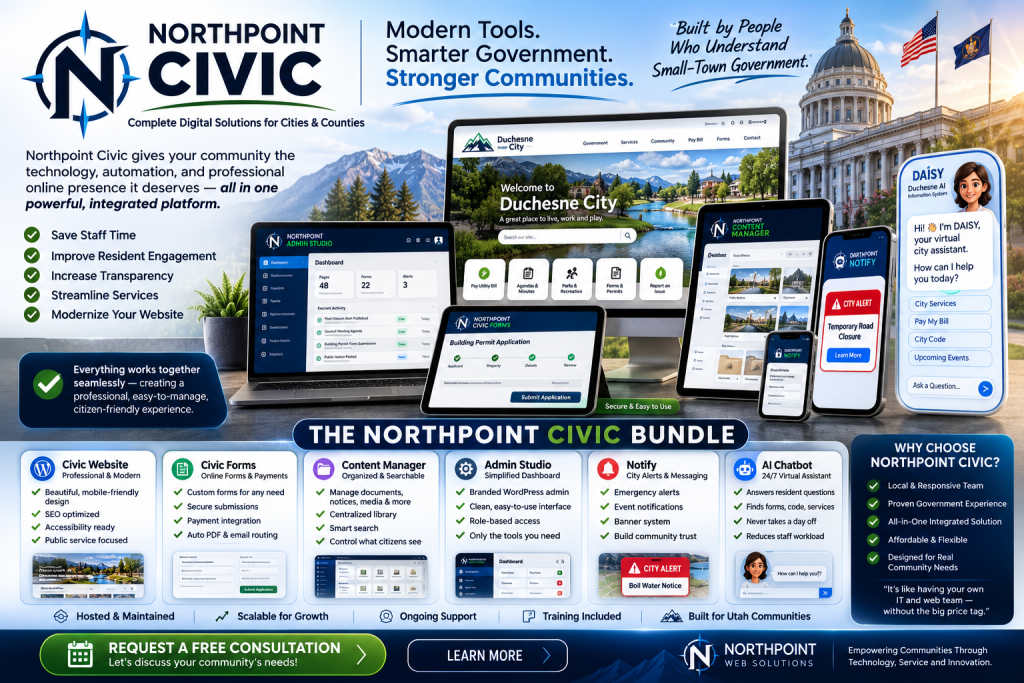
    If your team needs help scoping a pilot, connecting AI to form workflows, or adding a managed service center that keeps requests from getting lost, talk with Northpoint Web Solutions. We design modular WordPress tools—like the administrative dashboards in Northpoint Core and the request workflows inside Northpoint Service Center—to make these integrations practical and controllable. Learn more about our municipal software and civic technology on the Northpoint Civic page, or explore our website and software services if you need broader support.

    A website should not just be available 24 hours a day. It should be working for your organization 24 hours a day. If you’re ready to try a focused AI pilot that reduces staff work and protects resident data, contact Northpoint Web Solutions for a straightforward consult.

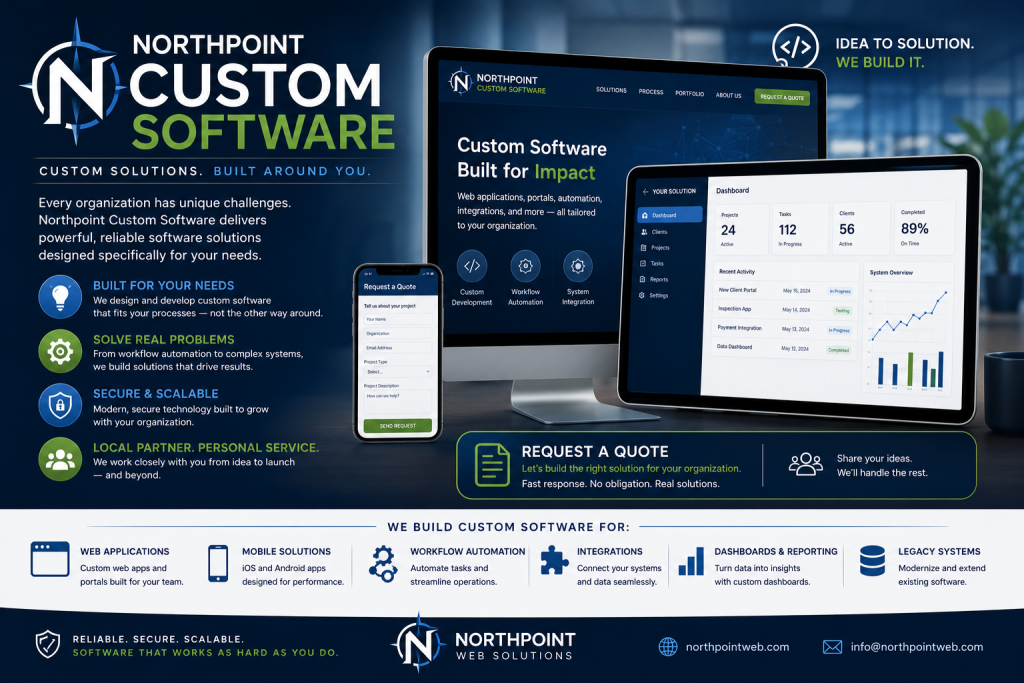
    Talk with Northpoint Web Solutions about your website, software or workflow problem. We can help determine whether an existing Northpoint product, a custom WordPress plugin, or a custom software solution is the best fit.

  • How to Decide: Custom WordPress Software vs. Off-the-Shelf SaaS

    How to Decide: Custom WordPress Software vs. Off-the-Shelf SaaS

    Hey—I’m Andrew North. If you’ve ever spent late nights troubleshooting a clunky form or stitching together three different tools to handle one workflow, you’re in the right place. I learned to tinker with BBSes and early web hosting before WordPress existed; those early experiments taught me to favor tools that actually make daily work easier, not more complicated. Below is a clear, practical framework you can use to decide whether your organization should invest in custom WordPress software or pick a ready-made SaaS product.

    Start with the core question

    Do you need a system that exactly matches your organization’s workflow and data, or will a SaaS product that fits most of your needs be cheaper and faster to deploy? Answering that requires looking past upfront cost to control, integrations, data ownership, staff capacity, and long‑term maintenance.

    Decision checklist: six dimensions to evaluate

    Score each item on a simple 1–5 scale (1 = SaaS clearly better, 5 = custom build clearly better). Totals closer to 30 point toward building; totals closer to 6 point toward SaaS.

    1. Cost (short and long term)

    • Consider upfront development vs. recurring subscription fees.
    • Factor in hosting, backups, and possible vendor lock‑in costs for SaaS.

    2. Control and customization

    • Do you need custom workflows, unique data fields, or branded user interfaces?
    • Custom WordPress software often wins when off‑the‑shelf options force workarounds that reduce staff efficiency.

    3. Integrations and existing systems

    • List required integrations (phone systems, accounting, GIS, CRMs, scheduling).
    • If your workflows depend on multiple internal systems, a custom plugin or tailored configuration inside WordPress can glue them together without extra subscriptions.

    4. Data ownership and privacy

    • Municipalities and departments handling resident data often prefer full control over storage, backups, and exportability.
    • SaaS may be acceptable if terms, export tools, and retention policies meet your rules.

    5. Staff capacity and technical skill

    • Do you have staff for routine maintenance, updates, troubleshooting, and security? If not, a managed SaaS reduces internal burden—unless you also plan managed hosting and maintenance for a custom WordPress solution.

    6. Security and compliance responsibility

    • SaaS vendors often maintain operational security, but you must still understand breach notification, access controls, and compliance requirements.
    • With custom software you control responsibilities; that’s more work but also more control.

    Five red flags that favor building custom WordPress software

    If you see several of these, a custom WordPress plugin or modular solution is worth strong consideration:

    1. Your workflow requires data fields or relations that no SaaS supports without heavy compromise (for example: multi‑department approvals with custom escalation rules).
    2. You must keep data on your infrastructure or under specific retention/export rules for legal or policy reasons (common with municipalities and special districts).
    3. Multiple existing systems need to talk to one hub (website, internal staff portal, forms, GIS, and accounting). A WordPress‑based administrative dashboard can act as that hub.
    4. You want to avoid deep vendor lock‑in or continual per‑user licensing costs that scale poorly with growth.
    5. You need a workflow that’s unique to your organization and that impacts daily staff efficiency enough to justify development time.

    Five signs SaaS is the better fit

    SaaS may be the right choice when several of these apply:

    1. You need to deploy quickly and a SaaS product meets at least 80% of your essential requirements.
    2. Your team lacks capacity for ongoing maintenance and you prefer the vendor to handle uptime, patches, and security.
    3. The SaaS integration ecosystem (payments, calendar, identity provider) reduces custom work and total cost of ownership.
    4. Your data sensitivity and compliance needs are modest and the vendor provides clear SLAs and export tools.
    5. Standardized workflows—like basic scheduling, online payments, or donor management—are available in mature SaaS products at reasonable cost.

    Specific checklists for common Northpoint audiences

    Municipal IT director

    • Must-have: data exportability, roles/permissions aligned with departments, public record access.
    • Investigate SaaS: vendor policy for public records requests, data residency, and incident response.
    • Consider custom: if you need a Service Center tied into the website and internal staff dashboards, a WordPress module may preserve control and reduce separate subscriptions.

    Recreation department director

    • Must-have: roster exports, waitlists, refunds, and seasonal scheduling.
    • Investigate SaaS: registration platforms that handle payments and waivers; check refund and roster workflows.
    • Consider custom: if you want registration tightly integrated with your website, reporting tailored to municipal accounting, or a branded mobile experience, a custom WordPress solution can centralize those pieces.

    Small-business owner

    • Must-have: straightforward onboarding, predictable monthly costs, and minimal maintenance.
    • Investigate SaaS: compare total subscription fees for necessary features; confirm data export and cancellation terms.
    • Consider custom: if a WordPress plugin can replace several subscriptions (CRM, invoicing, booking) with a single hosted solution and reduce complexity.

    Practical implementation steps

    1. Make a feature list with “must,” “should,” and “nice‑to‑have” items.
    2. For each item, mark whether SaaS, a native WordPress plugin, or custom development meets it.
    3. Estimate total cost: subscription vs. development + hosting + maintenance for 3 years.
    4. Run a pilot on a single workflow—forms to assignment to reporting—to validate assumptions.
    5. If building, plan for updates, backups, and a handoff process so your staff isn’t dependent on one contractor.

    A note on WordPress as a business platform

    WordPress can be more than a brochure site. At Northpoint we design modular WordPress software—like administrative dashboards, service centers, and content tools—so sites actively support internal workflows. One reason we developed Northpoint Core is to provide a centralized place for those tools without replacing the public site. That approach is useful when you want custom workflows but still prefer the convenience of a familiar content management system.

    Historical perspective

    When I started with BBS and early web hosting, the idea of using one server for both public notices and internal ticketing was unusual. Today, the same principle applies: a well‑designed website should be working for your organization 24 hours a day—accepting requests, publishing updates, and feeding internal dashboards—without staff needing to jump between a dozen services.

    Next steps and a low‑pressure offer

    If you want a fast, practical evaluation, send your feature list and I’ll help you map it to SaaS options and WordPress approaches. Talk with Northpoint Web Solutions about your website, software or workflow problem. We can help determine whether an existing Northpoint product, a custom WordPress plugin, or a custom software solution is the best fit.

    Helpful internal reading: Learn about our approach to custom WordPress software, see examples of WordPress business operating system and connected business tools, or explore how our Gerente de Recreación de Northpoint supports recreation workflows.