Descripción
Northpoint Social Stack Pro
Bring Your Website and Social Updates Together
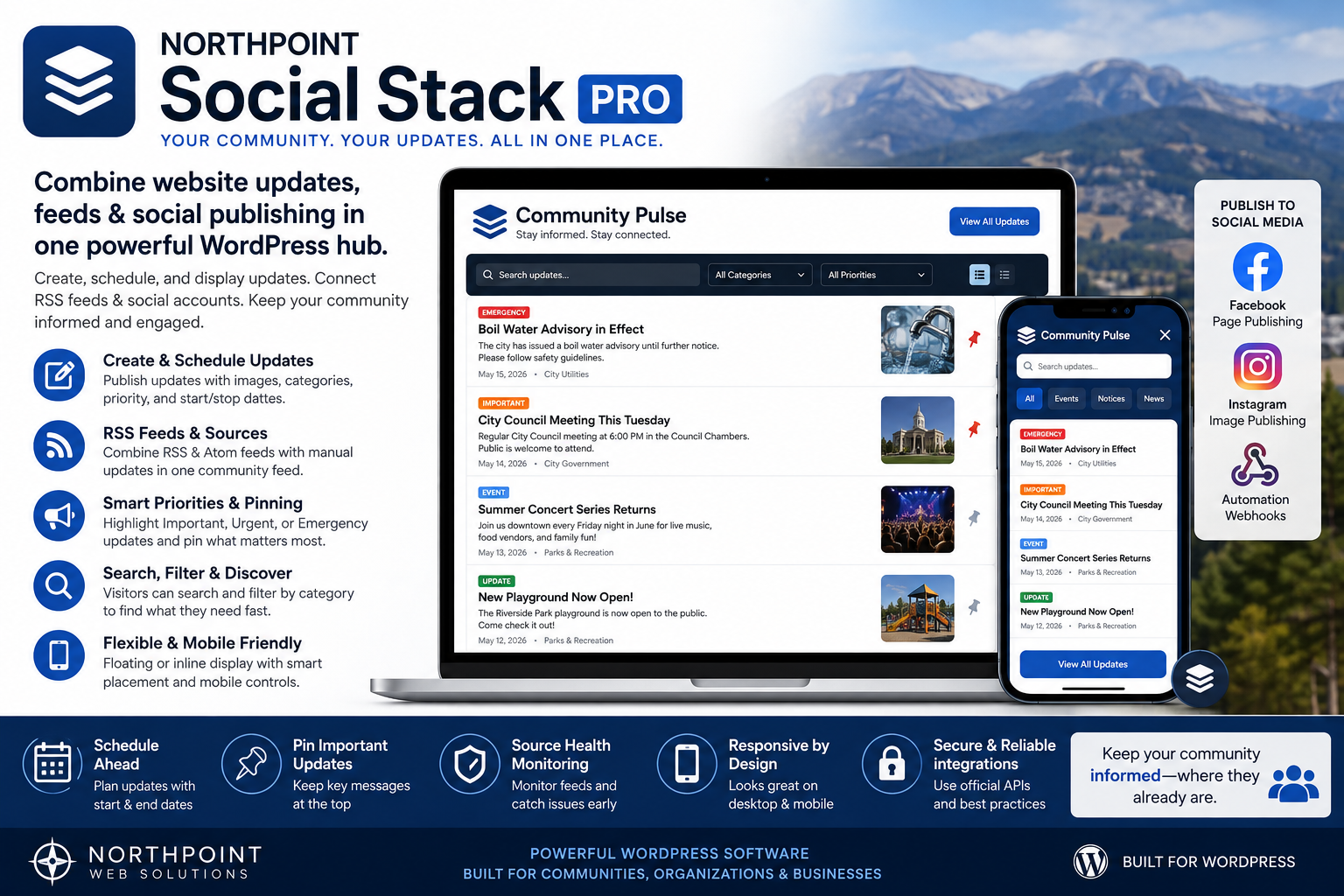
Northpoint Social Stack Pro gives organizations a central place inside WordPress to create, organize, schedule, display, and distribute important updates.
Instead of making visitors search through multiple pages and social networks, Social Stack creates a convenient Community Pulse directly on your website.
Visitors can open the Social Stack to see recent announcements, social updates, community information, events, emergency notices, and content collected from supported public feeds.
One Update Center Inside WordPress
Create updates directly from your WordPress dashboard using a familiar publishing workflow.
Each update can include:
- Headline and message
- Featured image
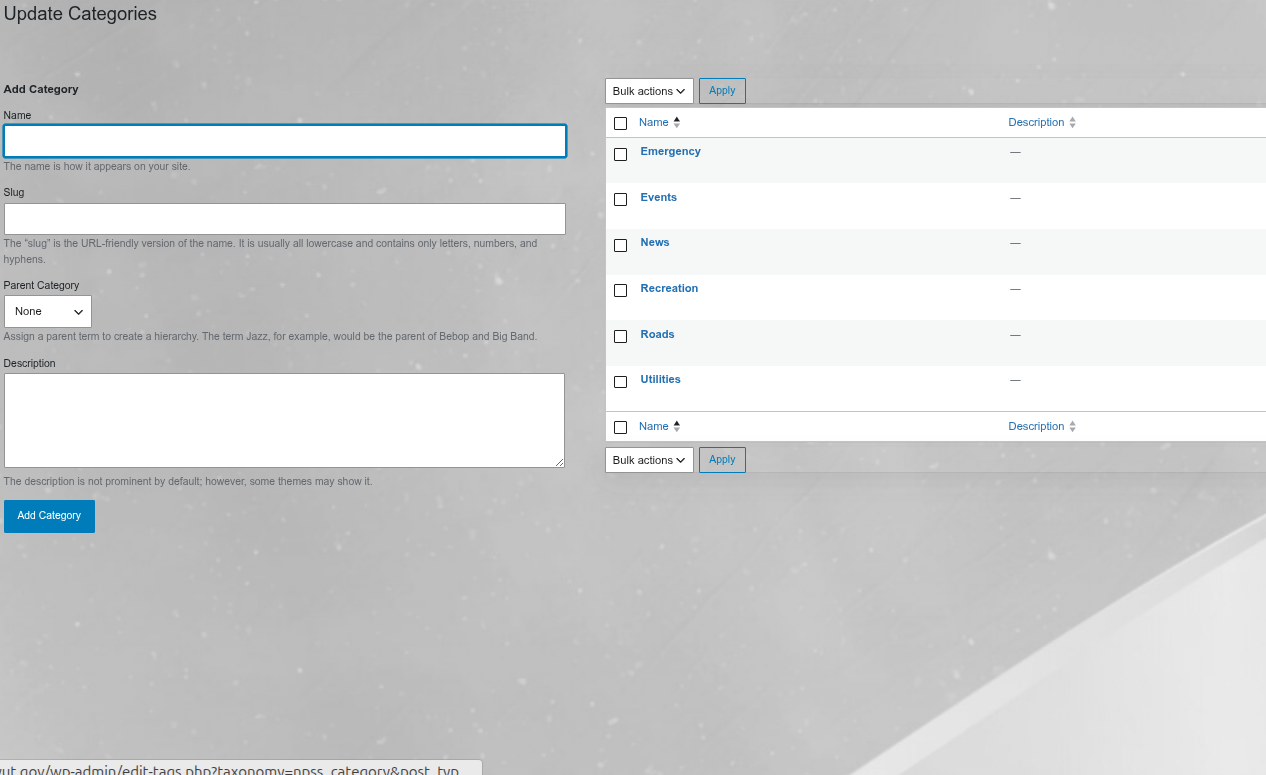
- Category
- Source or account name
- Original post URL
- Platform
- Priority
- Start date and time
- End date and time
- Pinned status
- Publishing destinations
This gives staff one organized system for managing public-facing updates.
Searchable Community Feed
Social Stack creates an interactive update panel for your website visitors.
Visitors can quickly browse and find information without leaving your website.
Features include:
- Keyword search
- Category filtering
- Update priorities
- Images
- Source identification
- Recent update badges
- Pinned announcements
- Responsive mobile display
Manual and Automated Content
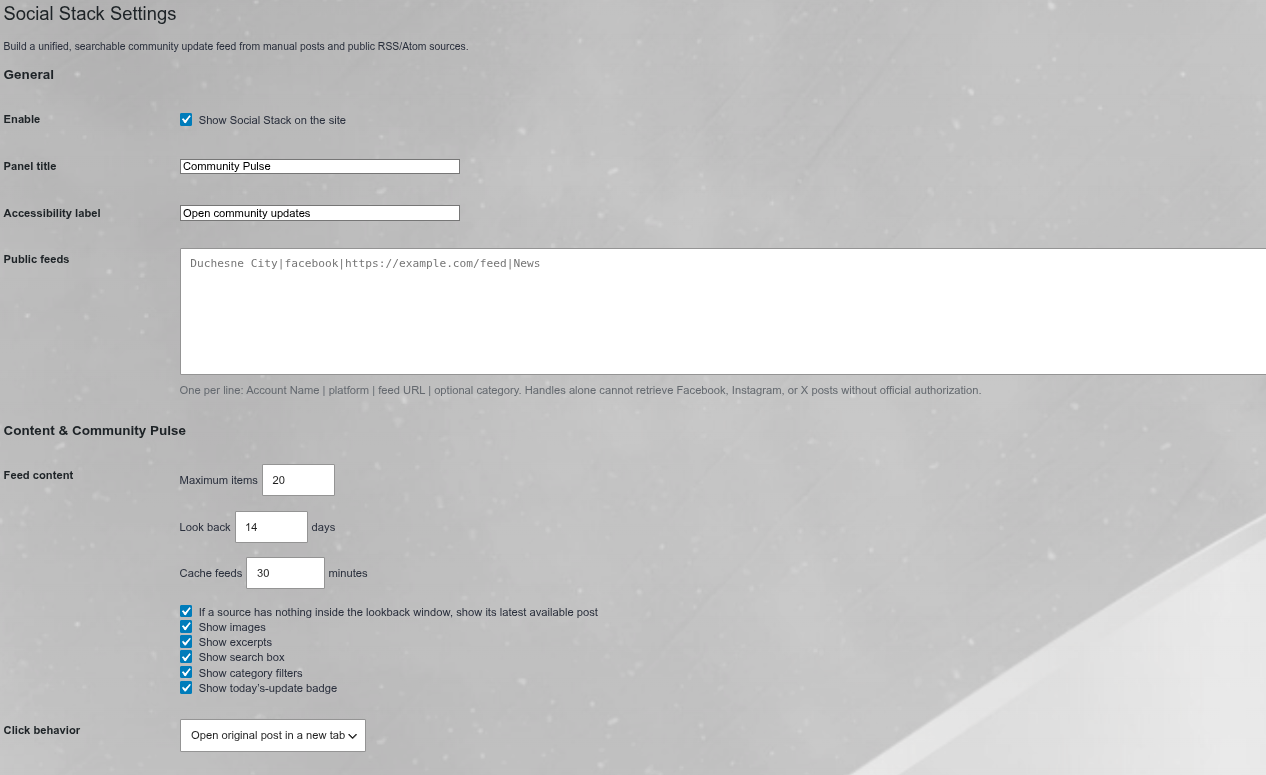
Social Stack supports updates created directly in WordPress as well as compatible public RSS and Atom feeds.
Public feeds can be combined with your manually created updates to create a broader community information source.
This makes Social Stack useful for organizations that need to bring together information from several departments, websites, or public sources.
Priority-Based Updates
Not every announcement has the same importance.
Social Stack supports:
- General
- Important
- Urgent
- Emergency
Important information can be visually distinguished from everyday updates.
Emergency updates can also be configured for additional visibility.
Scheduled Publishing
Prepare updates ahead of time.
Choose when an update should:
- Begin displaying
- Stop displaying
This is useful for events, closures, deadlines, recreation programs, meetings, scheduled maintenance, public notices, and temporary announcements.
Pin Important Information
Pin selected updates above routine information so visitors see your most important messages first.
Flexible Website Placement
Social Stack can appear as a floating update button in multiple locations on your website.
Desktop placement options include:
- Bottom right
- Bottom left
- Top right
- Top left
Mobile placement can be configured independently.
Additional controls allow adjustment of button size, panel width, spacing, floating position, and interface behavior.
Mobile-Friendly Display
Choose how Social Stack behaves on mobile devices.
Configure it as:
- Floating
- Inline
- Hidden
Independent mobile positioning and sizing make it easier to integrate Social Stack with an existing website design.
Smart Collision Avoidance
Modern websites often contain chat buttons, cookie notices, alert bars, and other floating controls.
Social Stack includes collision-avoidance controls designed to help prevent the update button from covering other important website elements.
Facebook Page Publishing
Connect an eligible Facebook Page through Meta’s official API and publish selected Social Stack updates to your Facebook Page.
Create the update in WordPress, select Facebook as a publishing destination, and Social Stack can send the message through the configured Facebook connection.
Facebook access requires appropriate Meta credentials, permissions, and configuration.
Instagram Publishing
Social Stack also supports outbound Instagram image publishing through Meta’s supported API workflow.
Create an update, add a publicly accessible featured image, and select Instagram as a publishing destination.
Instagram publishing requires an eligible account and appropriate Meta API credentials.
Automation Webhooks
Send Social Stack updates to a configured automation webhook.
Signed webhook requests can be used to connect Social Stack with compatible automation systems and custom workflows.
This opens the door to additional integrations without forcing every organization into the same platform.
Source Health Dashboard
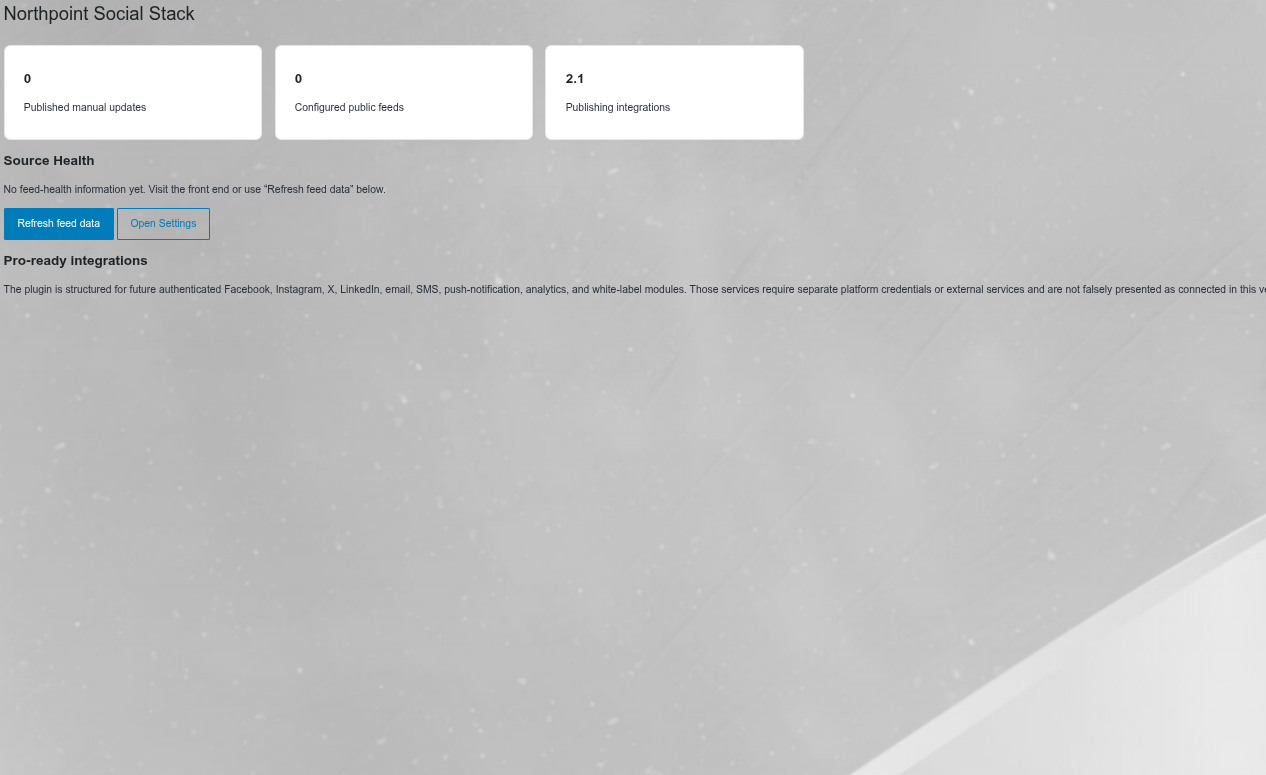
Social Stack monitors configured public feeds and provides a source-health dashboard inside WordPress.
Administrators can see:
- Configured feed sources
- Working sources
- Feed errors
- Last check information
- Recent item availability
This makes troubleshooting external feeds considerably easier.
Built for Municipal and Community Websites
Social Stack is especially useful for:
- Cities and towns
- Counties
- Recreation departments
- Schools
- Churches
- Nonprofits
- Chambers of commerce
- Community organizations
- Event websites
Possible updates include:
- Community events
- Road information
- Recreation announcements
- Utility notices
- Emergency information
- Public meetings
- School information
- Closures
- Registration deadlines
- Department announcements
Useful for Businesses Too
Businesses can use Social Stack to combine:
- Company news
- Blog updates
- Promotions
- Product announcements
- Social posts
- Events
- Service notices
- Important customer information
into one convenient website interface.
Keep Visitors on Your Website
Social media is useful for distributing information, but your website should remain an important source of authoritative information.
Social Stack helps bring those updates back into your WordPress website while still allowing compatible social publishing workflows.
Developed by Northpoint Web Solutions
Northpoint Social Stack Pro is developed by Northpoint Web Solutions, creating practical WordPress software for businesses, municipalities, organizations, and specialized industries.
Visit northpointweb.com for additional WordPress plugins, website development, and custom software solutions.
Licensing
A valid Northpoint Social Stack Pro license provides access to licensed Pro functionality and eligible software updates for the licensed website.
Third-party integrations such as Facebook and Instagram may require separate accounts, permissions, API access, or approval from those platforms. Northpoint Social Stack Pro does not bypass third-party platform requirements.